
Setup
How to download a model:
https://huggingface.co/runwayml/stable-diffusion-v1-5
click on this link and sign up to Huggingface.co to download the Stable Diffusion 1.5 model
Creating a Huggingface account is 100% free.
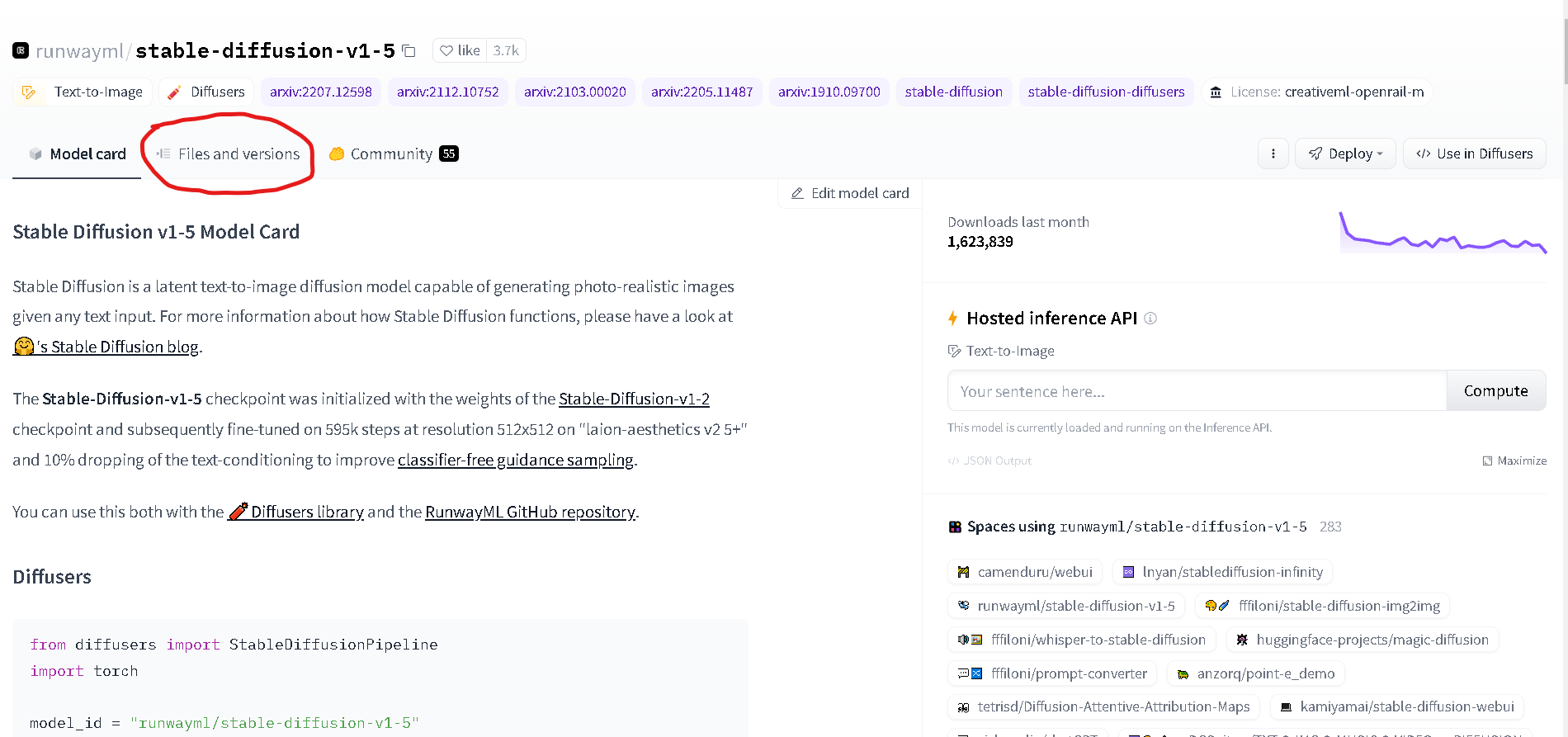
Now click on “Files and Versions”
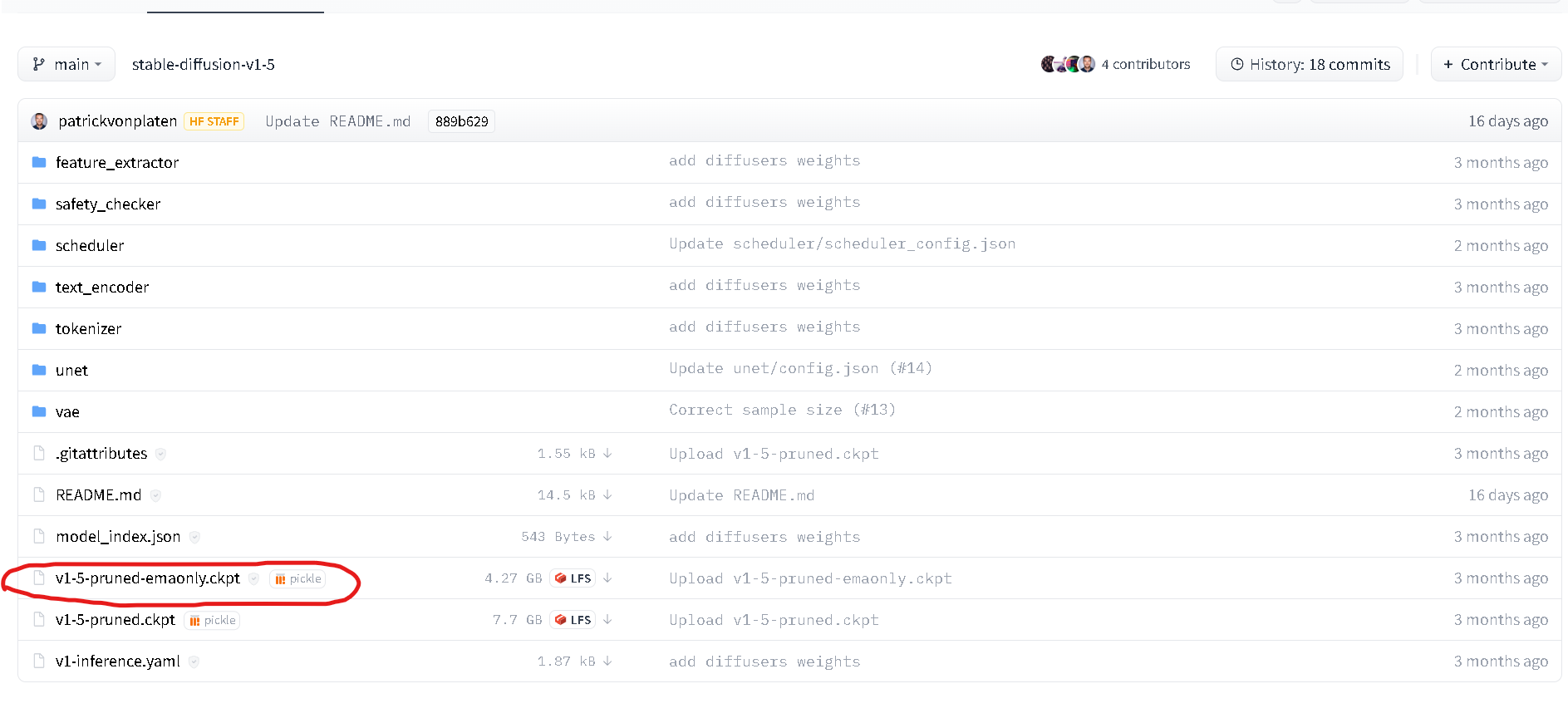
click on the file “v1-5-pruned-emaonly.ckpt”
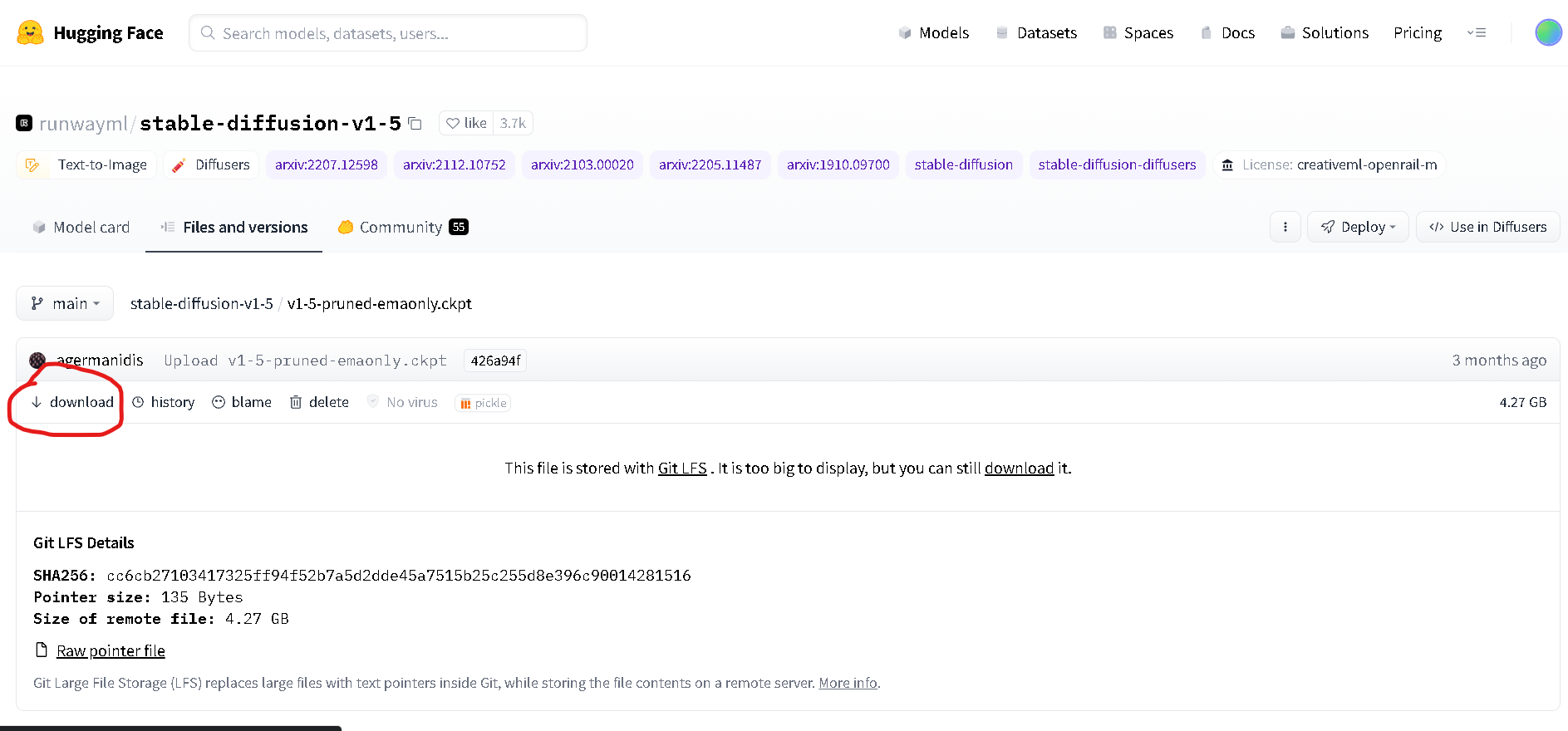
Once you’re here, click on Download.
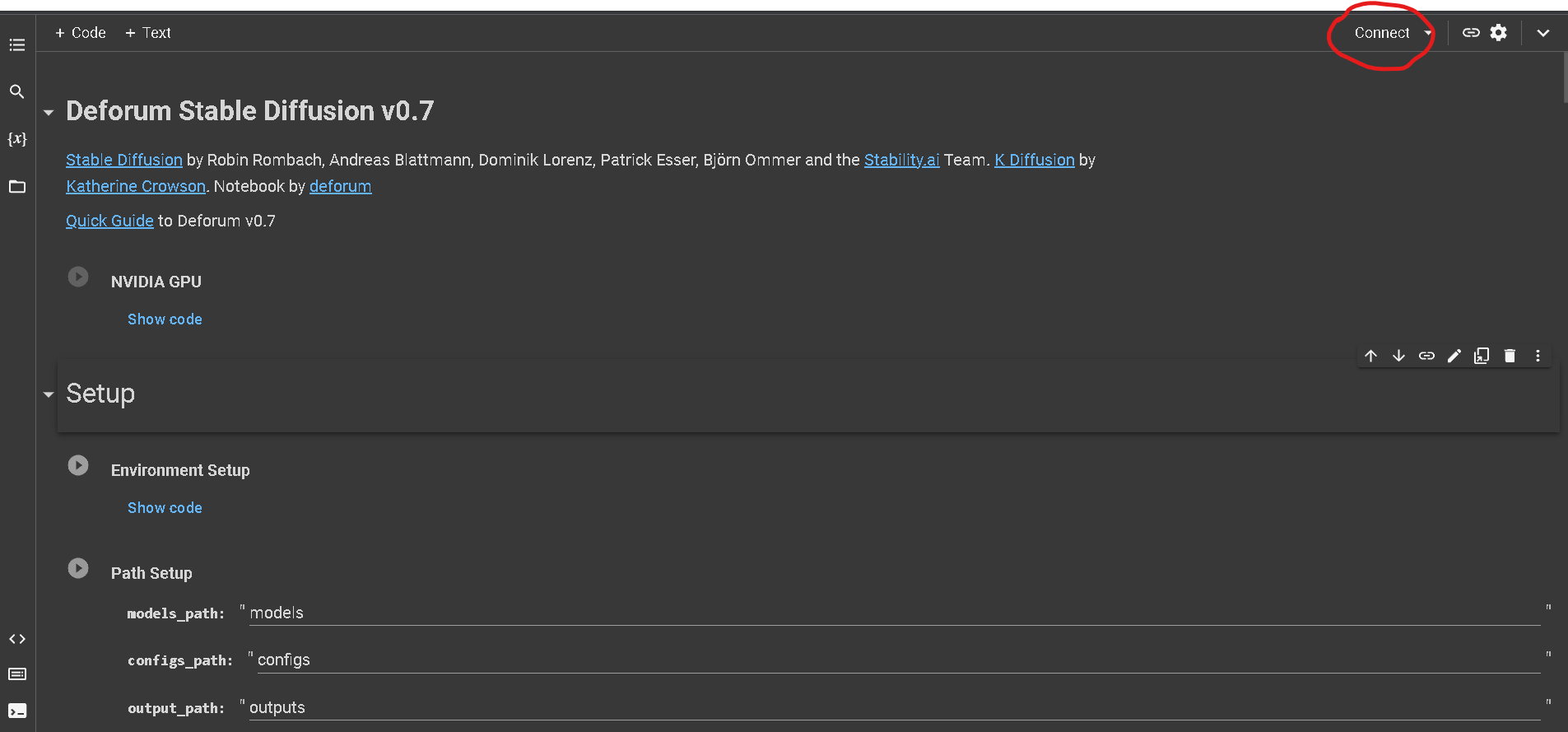
Click on Connect and once it is, click on it again to open the resources window.
click on Learn More to purchase your “Compute Units”
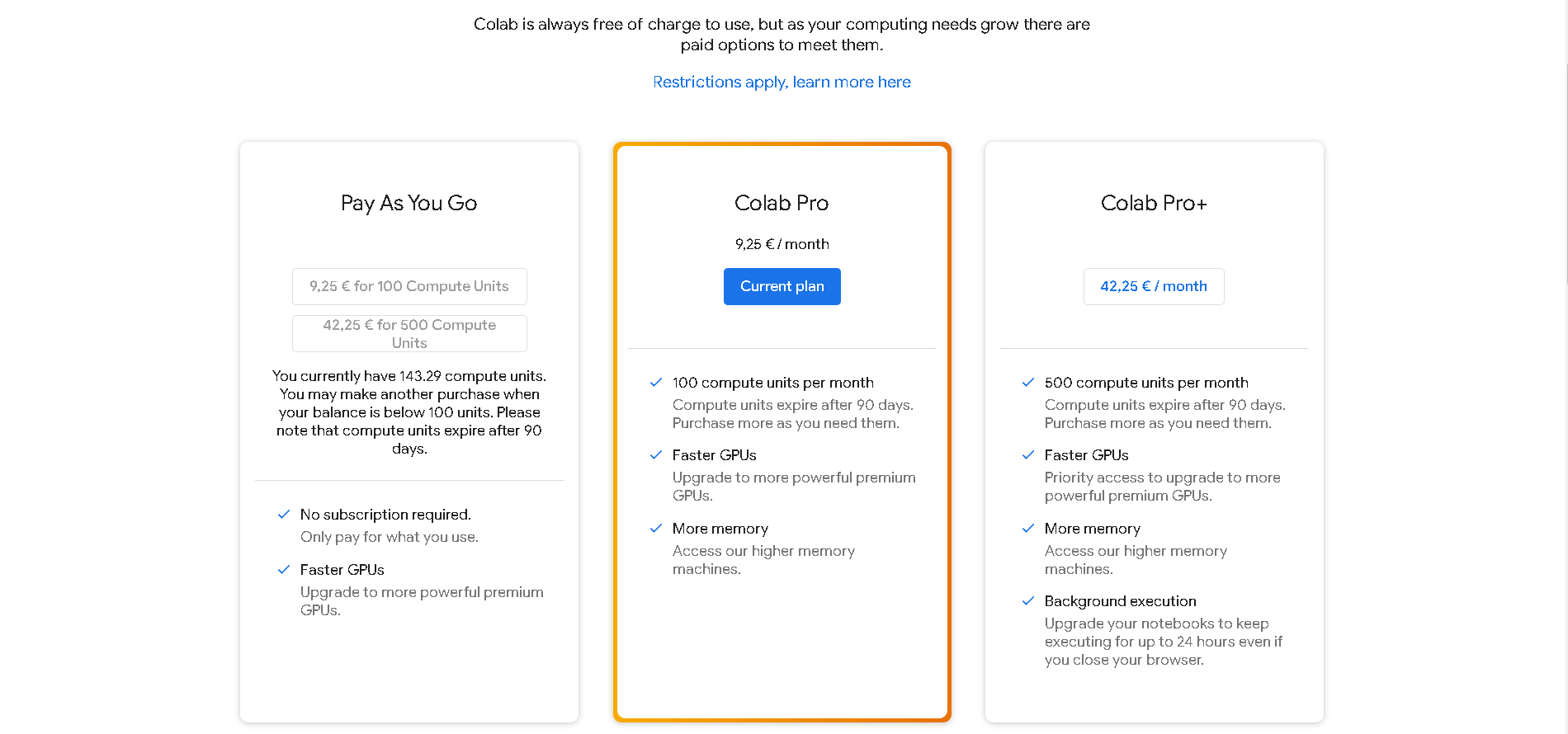
YOU ARE SET!
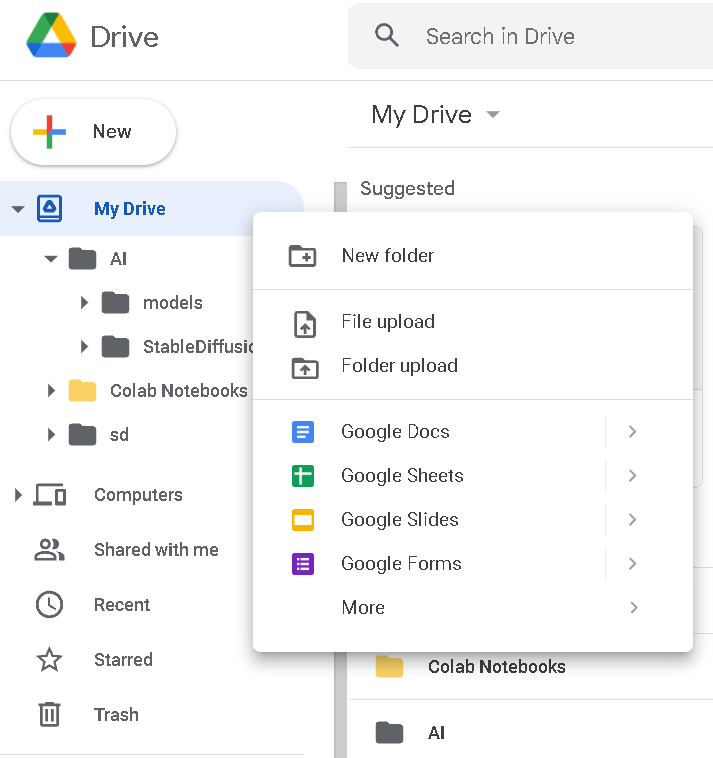
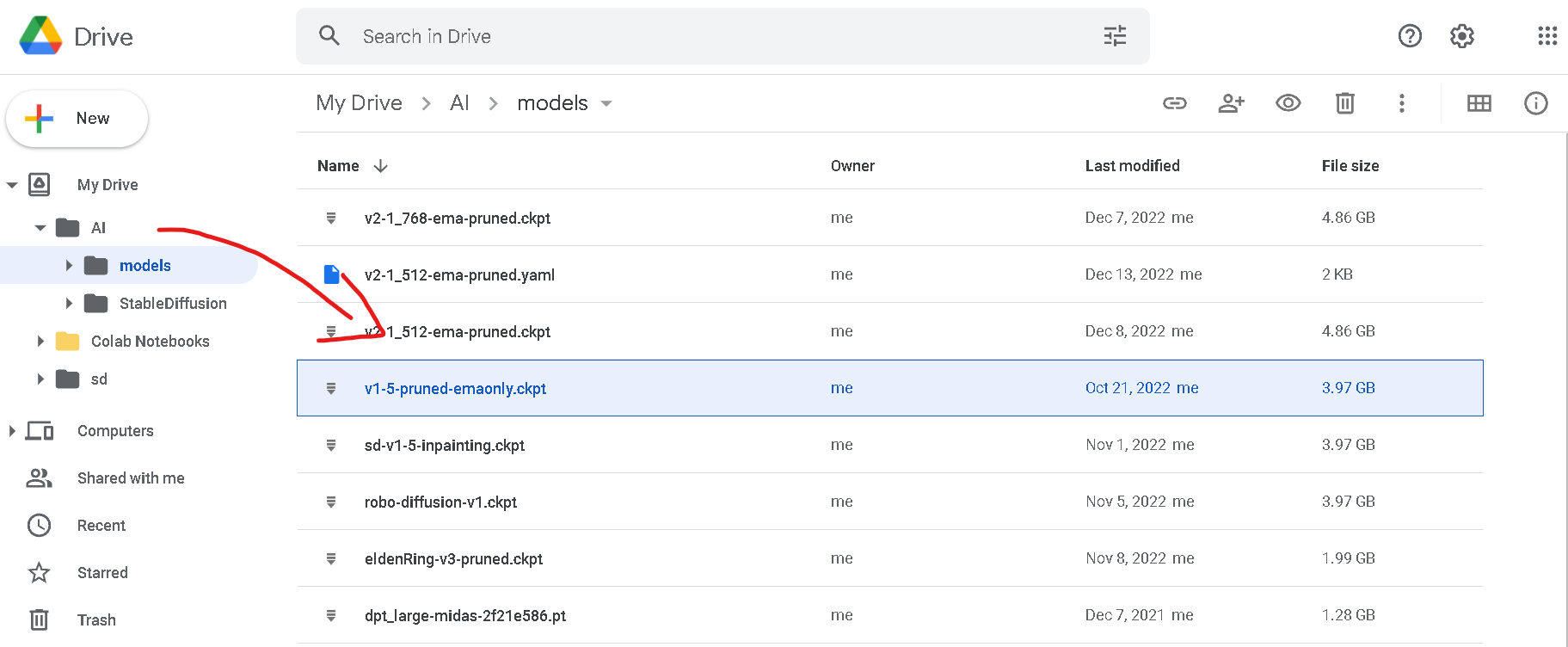
Next step will be going to your Google Drive account and create a folder called “AI”.
Inside this folder create 2 more and call them “models” and “StableDiffusion”
Place the “v1-5-pruned-emaonly.ckpt” file inside the “models” folder
This is the folder where you are going to store all your StableDiffusion models
(Yes, there’s a lot! You can download more from huggingface.co)
This process is being automatized in the recent version of Deforum, but I strongly suggest that you learn it for when you want to utilize custom models created by the community later on.
The next step is to open the latest version of Deforum Stable Diffusion (v0.7) by clicking on this link:
https://github.com/deforum-art/deforum-stable-diffusion
WHAT DOES “COMPUTE UNITS” MEAN?
It’s just a “fancy” word for Google to convert your money in usage time.
Roughly, 100 compute units are 50hrs of connection.
Keep this in mind beacuse Google Colab is gonna start to count this time as soon as you connect!
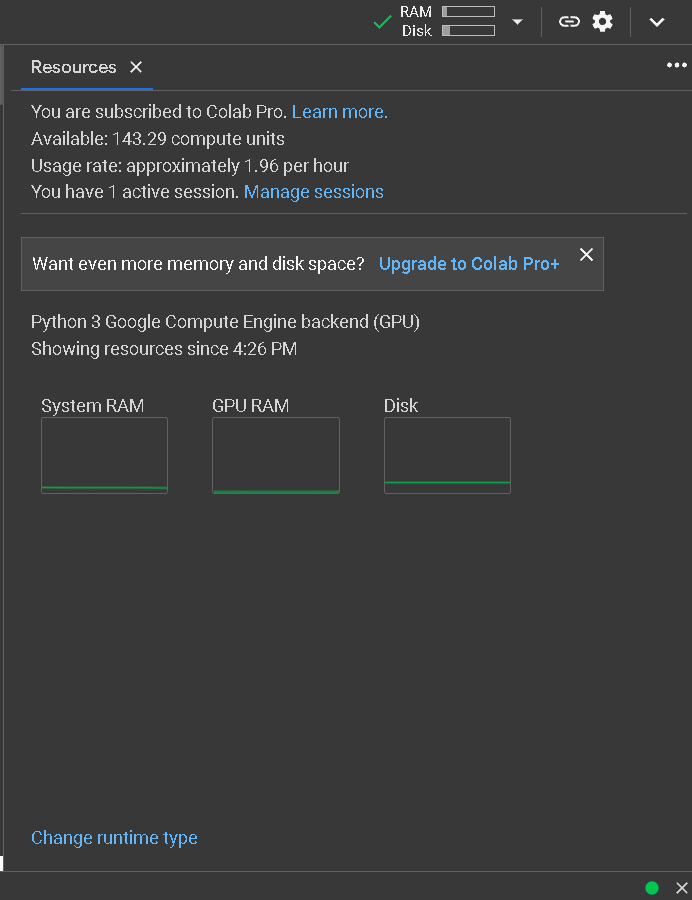
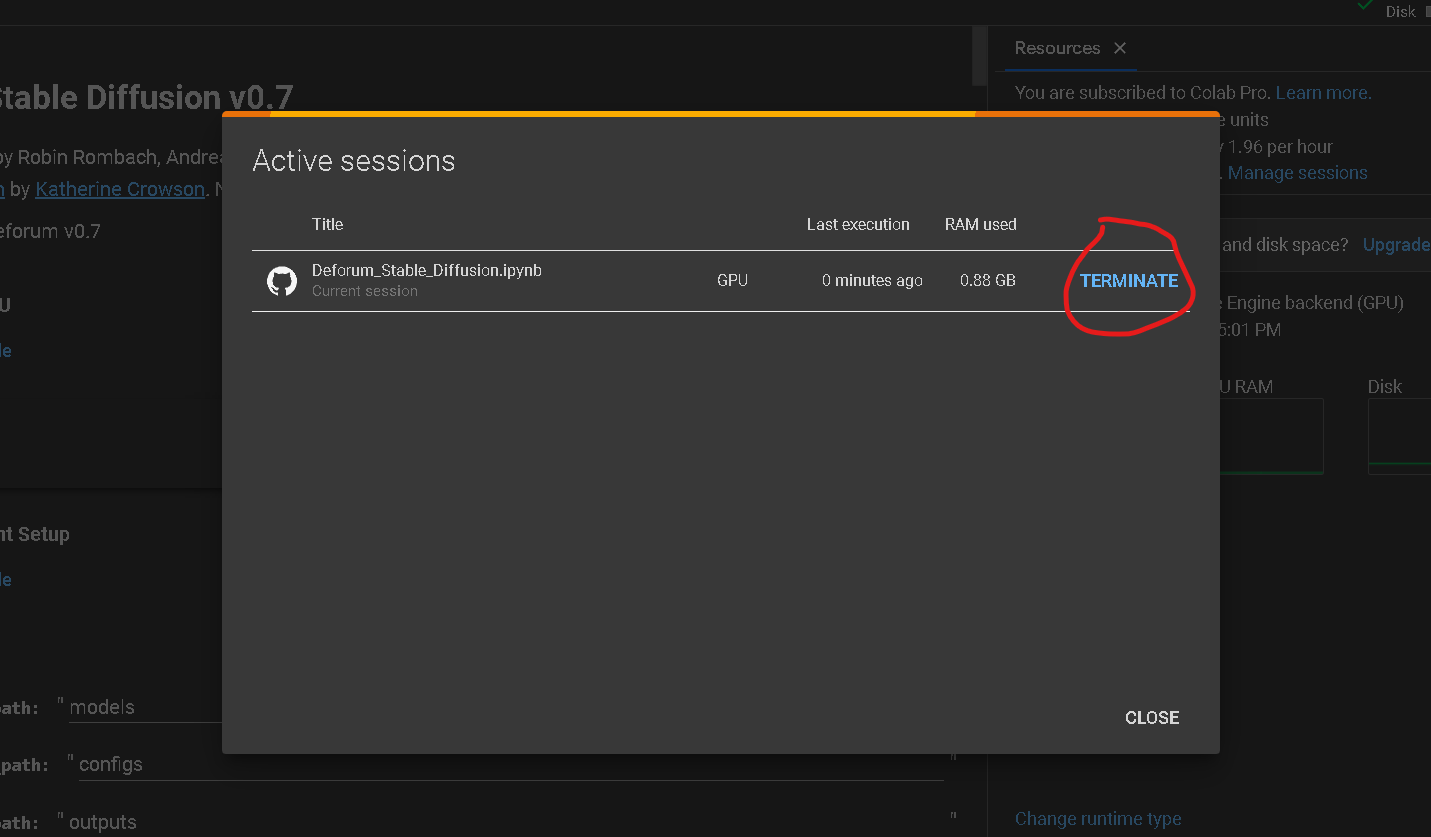
On the Resources window you can now see how many “compute units” you have left, how many you consume in 1 hr and at what time you connected to colab.
Once you’re done with your session, click on Manage Sessions to open this window and terminate it
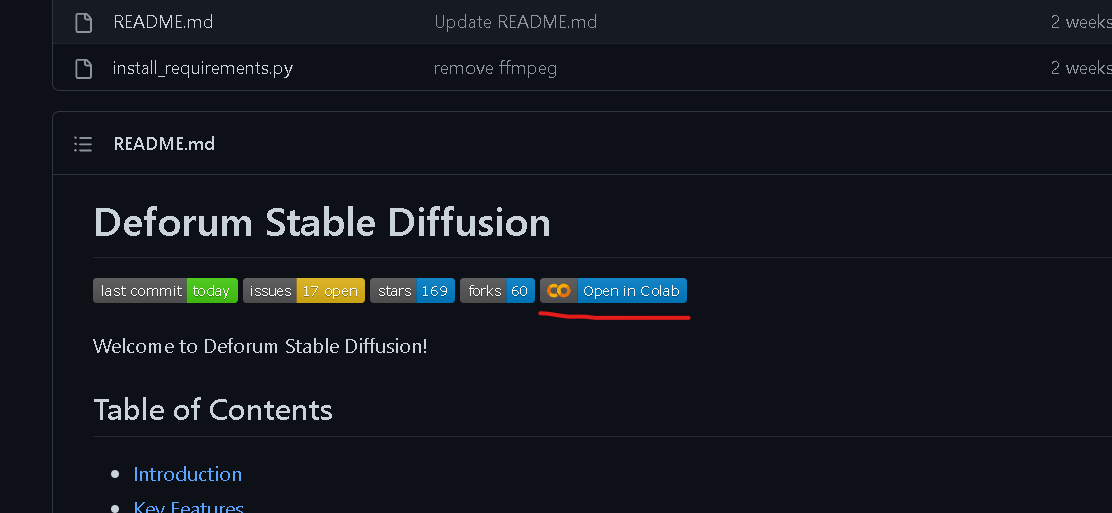
Click on open in colab to make sure you are on the latest version of Deforum
updated to
— 15/01/2023 Deforum version