***UPDATE***
This chapter was written before Photoshop Beta’s Generative Fill was introduced to the world. The concept is quite the same only that in this tutorial I am using Dall-E instead of Photoshop!
---
---
Photoshop?
In this chapter, we will uncover a hidden gem of digital art creation - using DALL-E 2 instead of traditional software like Photoshop.
We will show you how to harness the power of DALL-E 2's advanced AI technology not to create images, but rather edit your images.
This trick will save you time and give you new creative possibilities that would otherwise be a tiresome process in a traditional graphic design software
Let’s put it to the test:
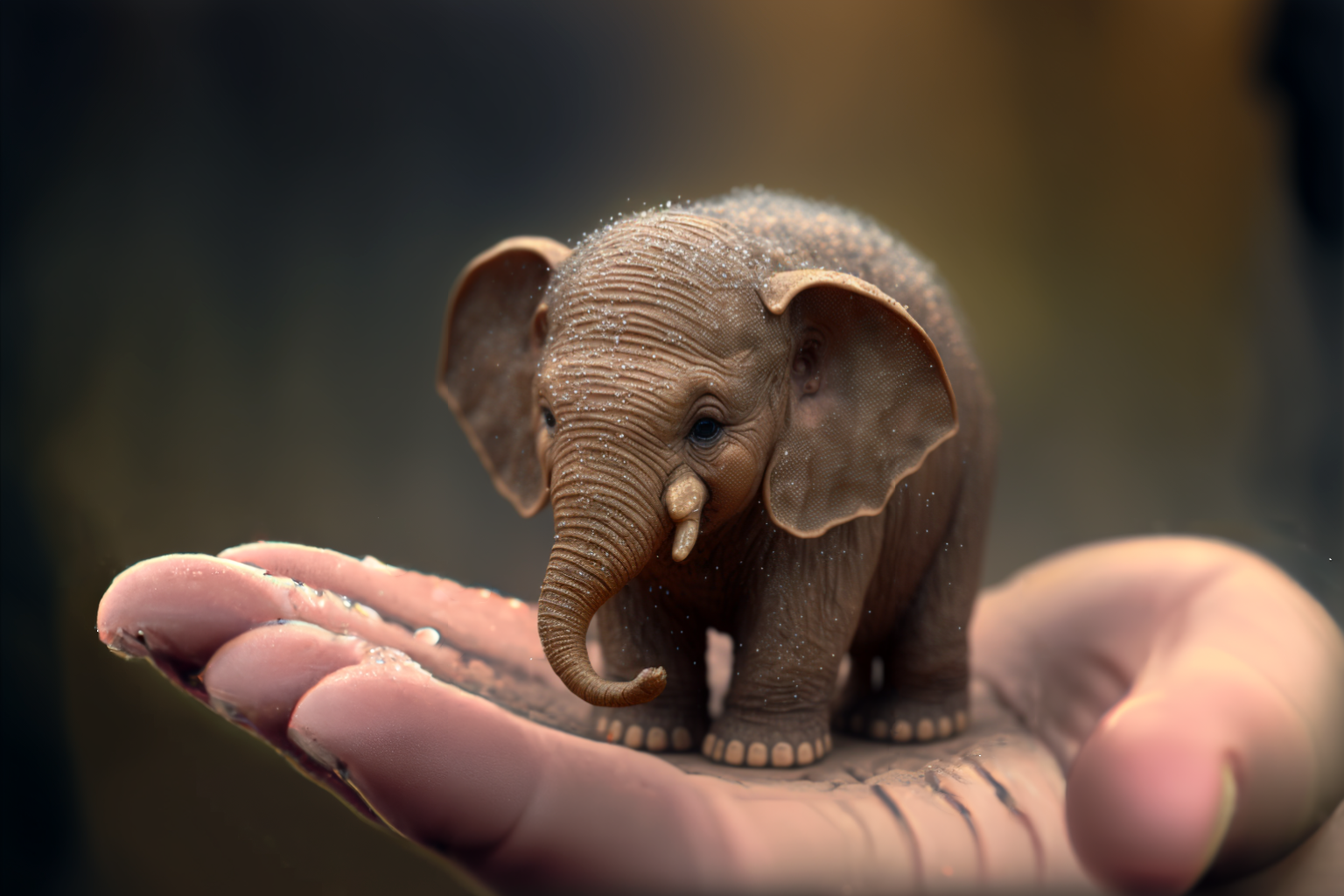
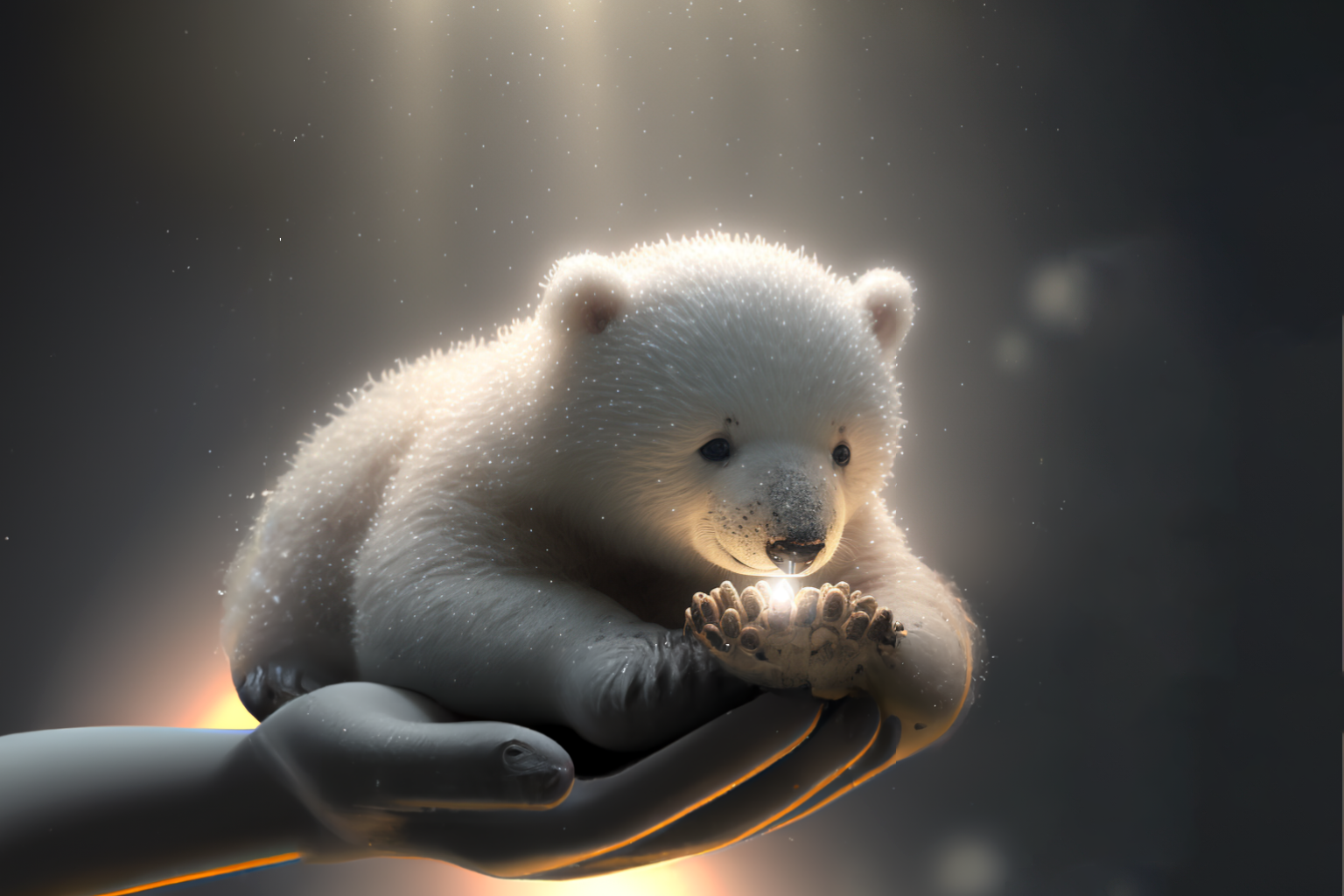
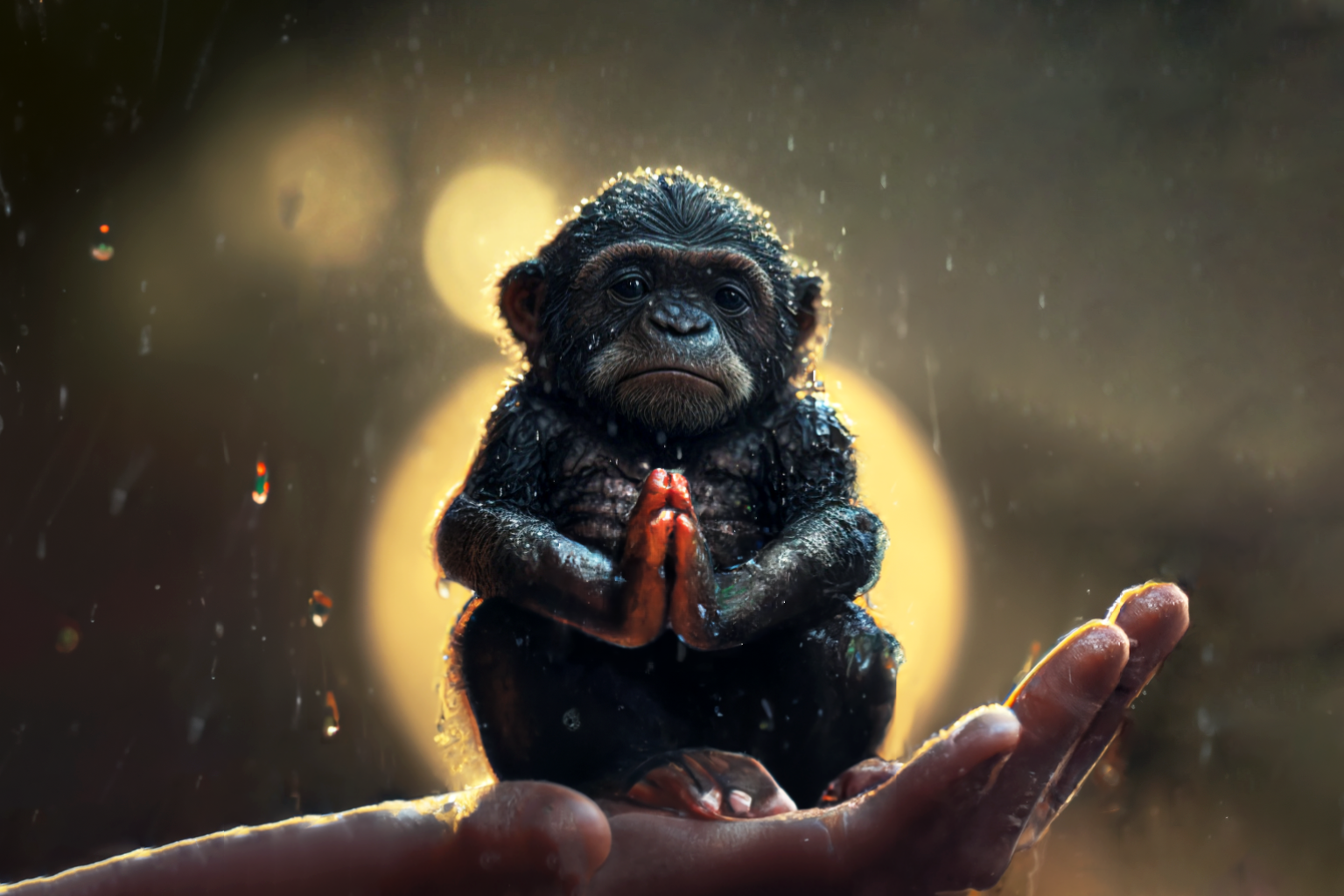
Today I was working on a “Tiny Animals” series:
---
---
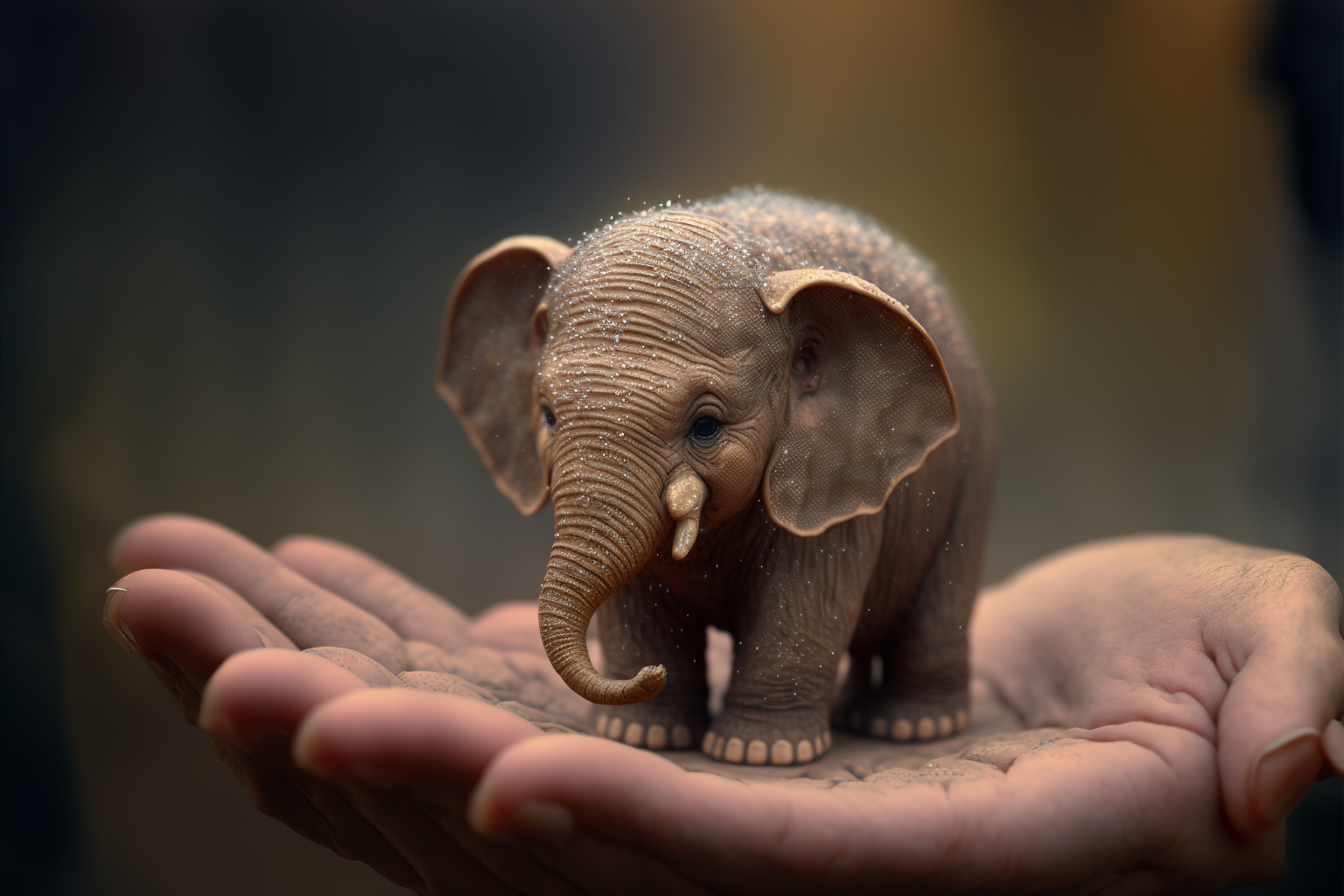
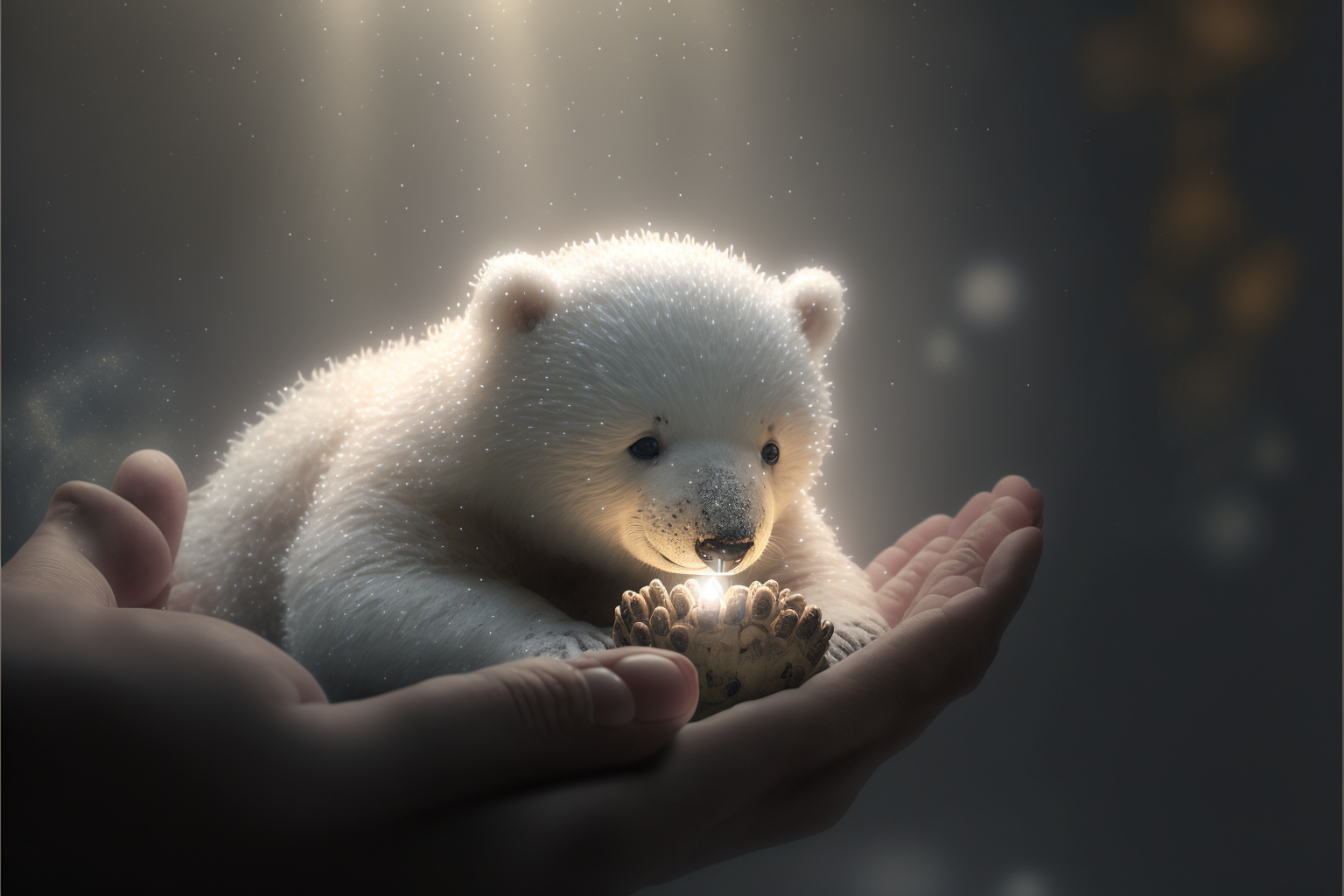

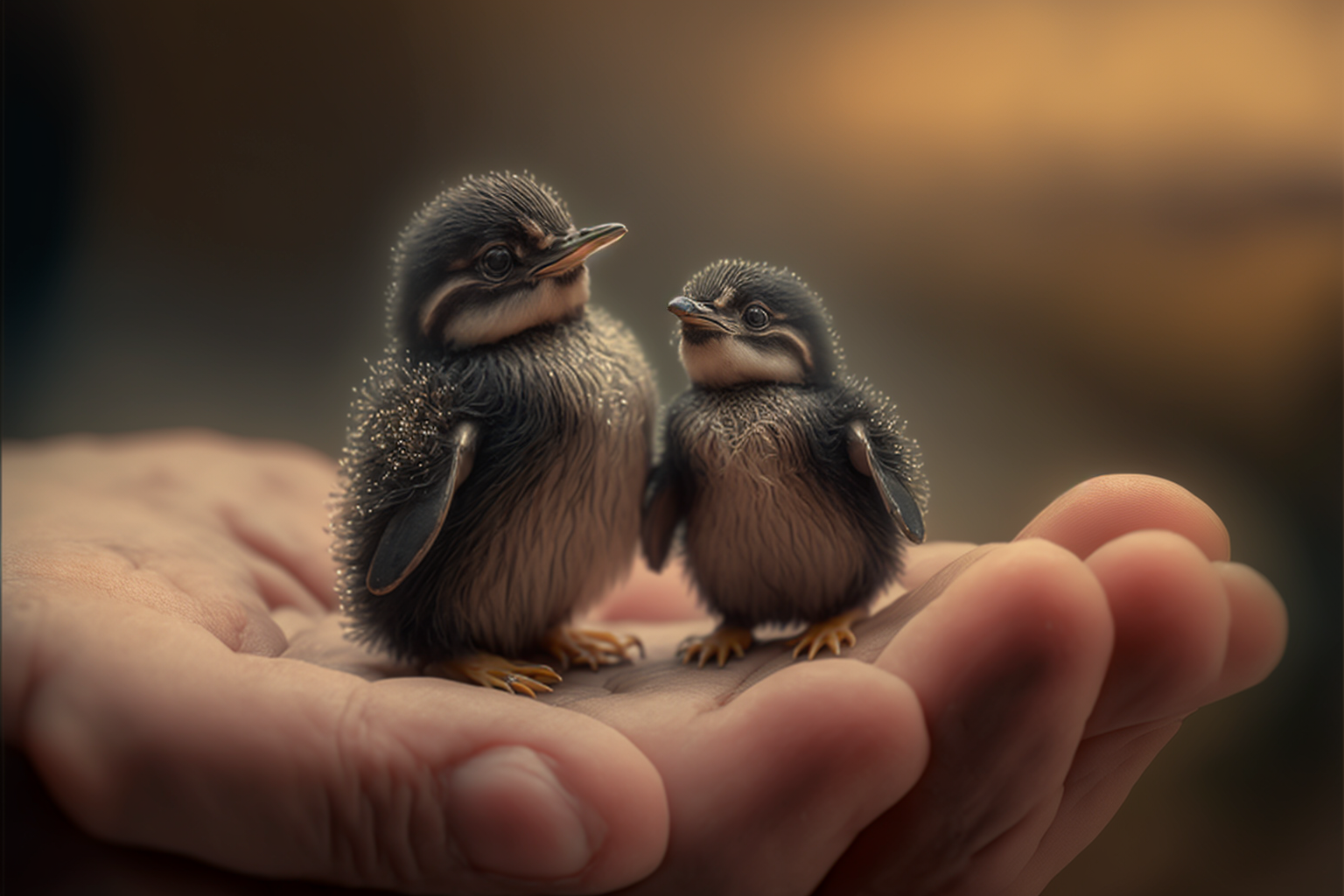
Pretty cute right?
Well yeah, except those terrifying hands!
A problem we are all very much used to by now. But here’s where DALL-E comes in handy! (No pun intended)
First we’ll upload our image to DALL-E:
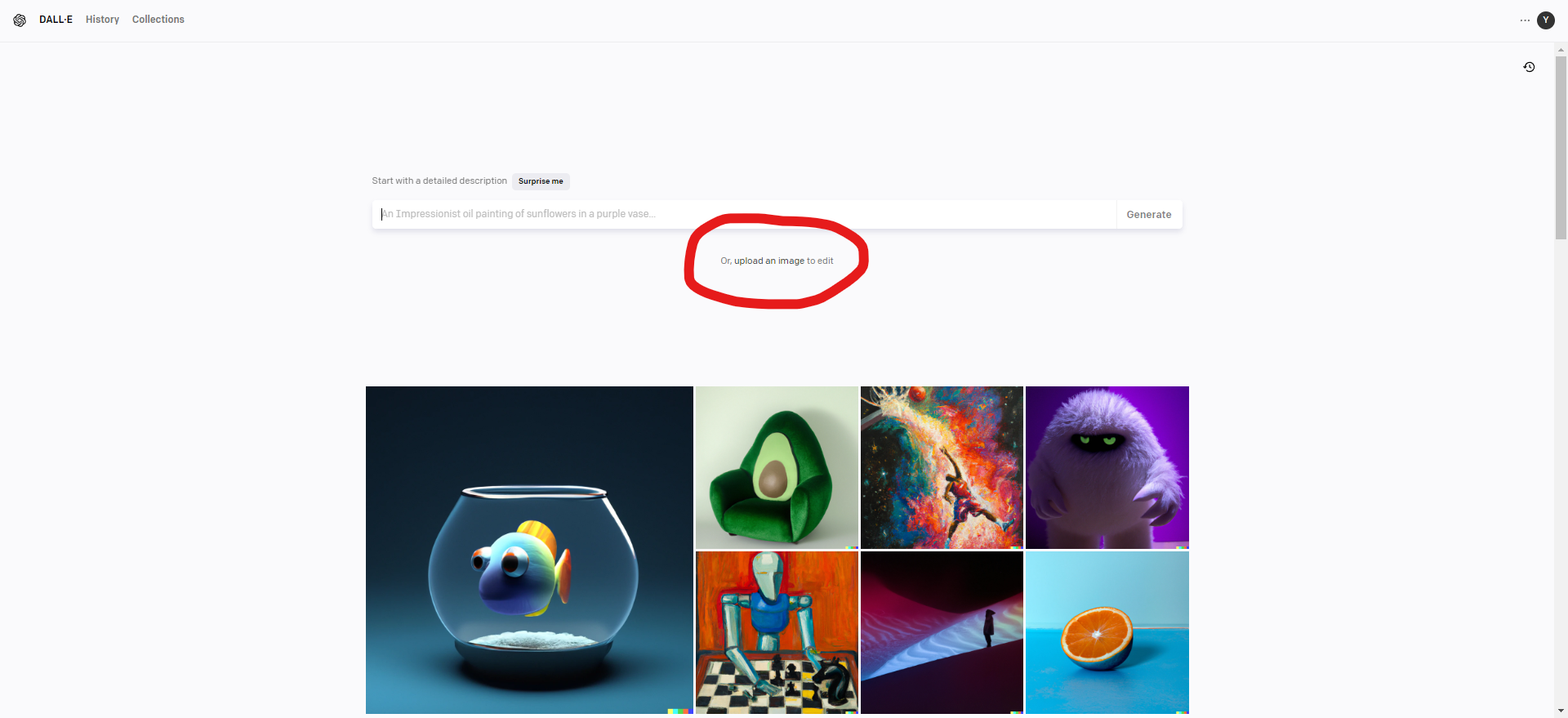
Now we can simply inpaint the faulty hands:
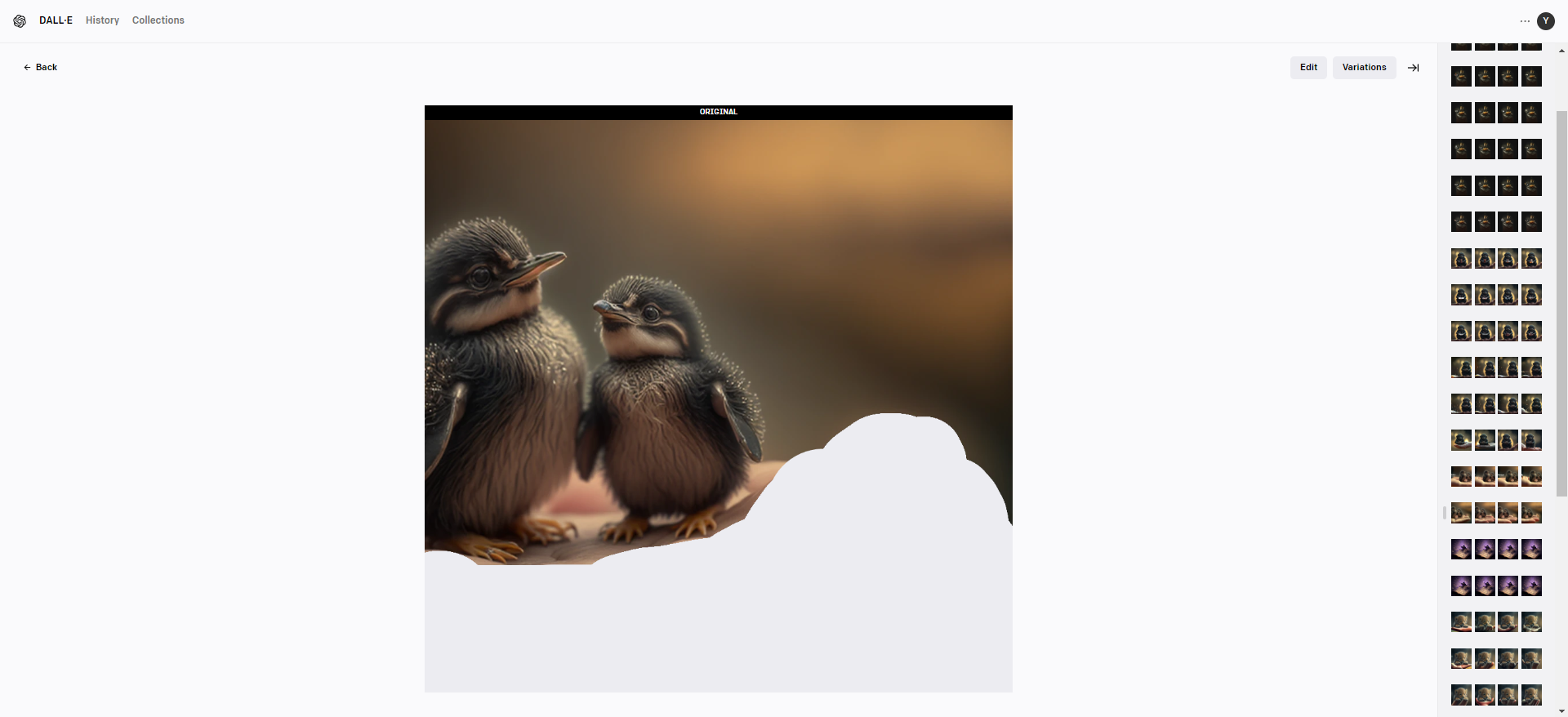
And as easy as that:
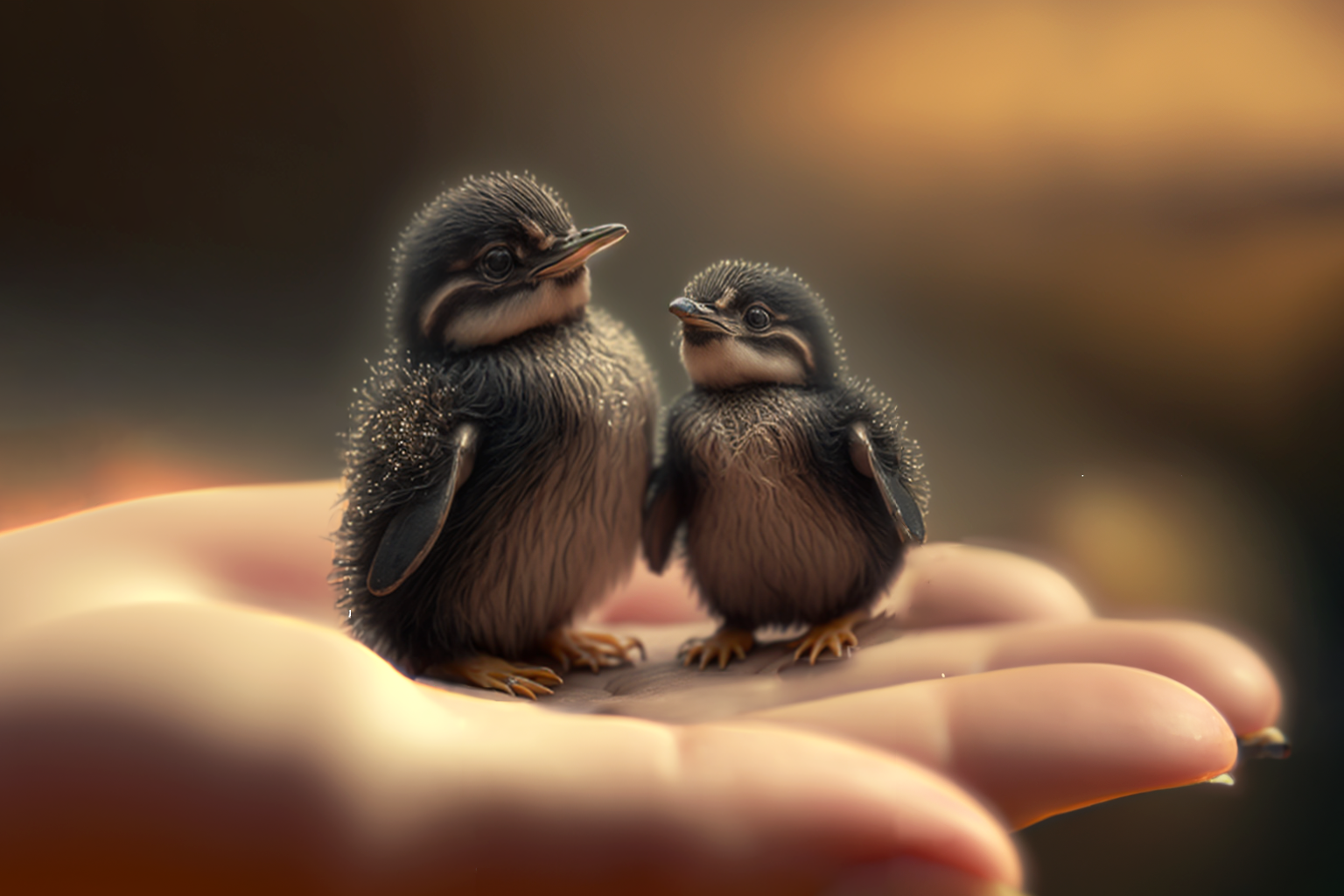
Does it look like Midjourney V4 quality hands? No.
Does it look like hands? Yes!
Fixing your AI images with DALL-E helps your AI creations look more professional.
It's a multi-purpose technique, not just a one-trick pony for fixing hands!
For example here I was trying to make an image of a duck shooting a gun: (Don’t ask me why)
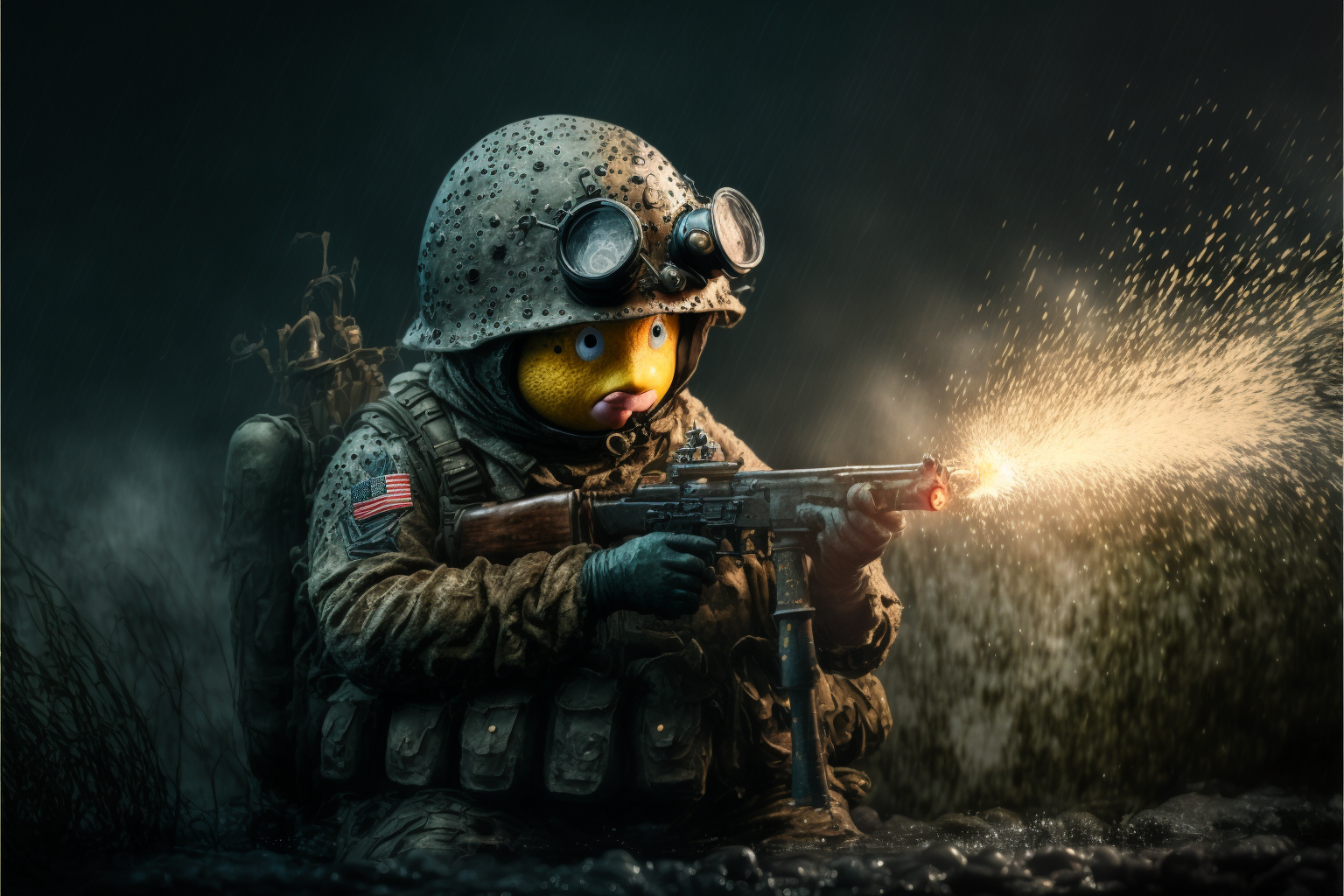
I did get some kind of a duck like creature, but it looks more like an emoji face than a duck.
I then took this image to DALL-E, inpainted the face and…
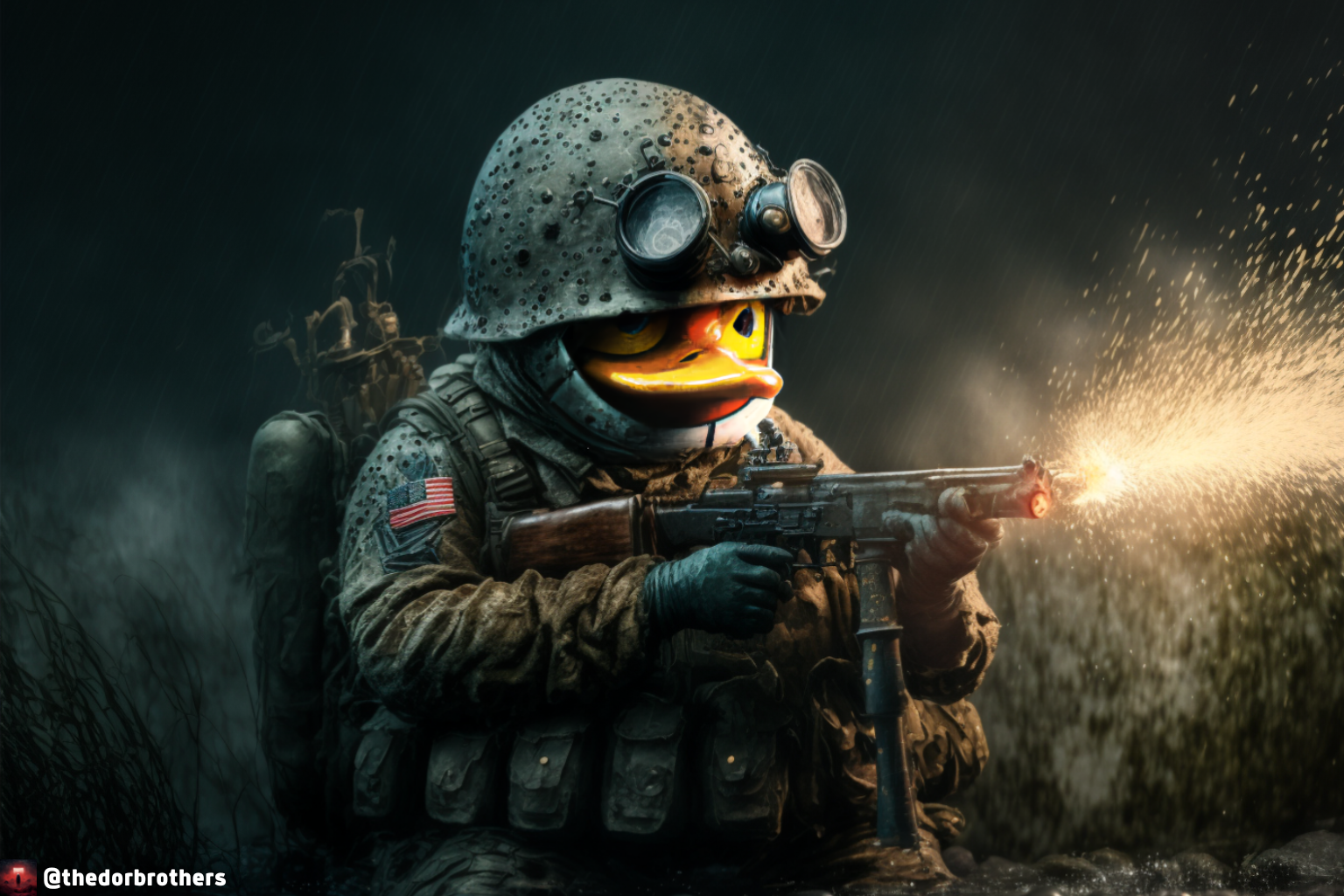
Here we go! That’s a nice looking duck.
Unforutnately I don’t have a version of this image without my watermark.
I could wave my magical DALL-E wand and make it disappear though ;)
Get the idea?
Great! Now go fix some hands.