
Get better!
Let’s start by Resuming your animation
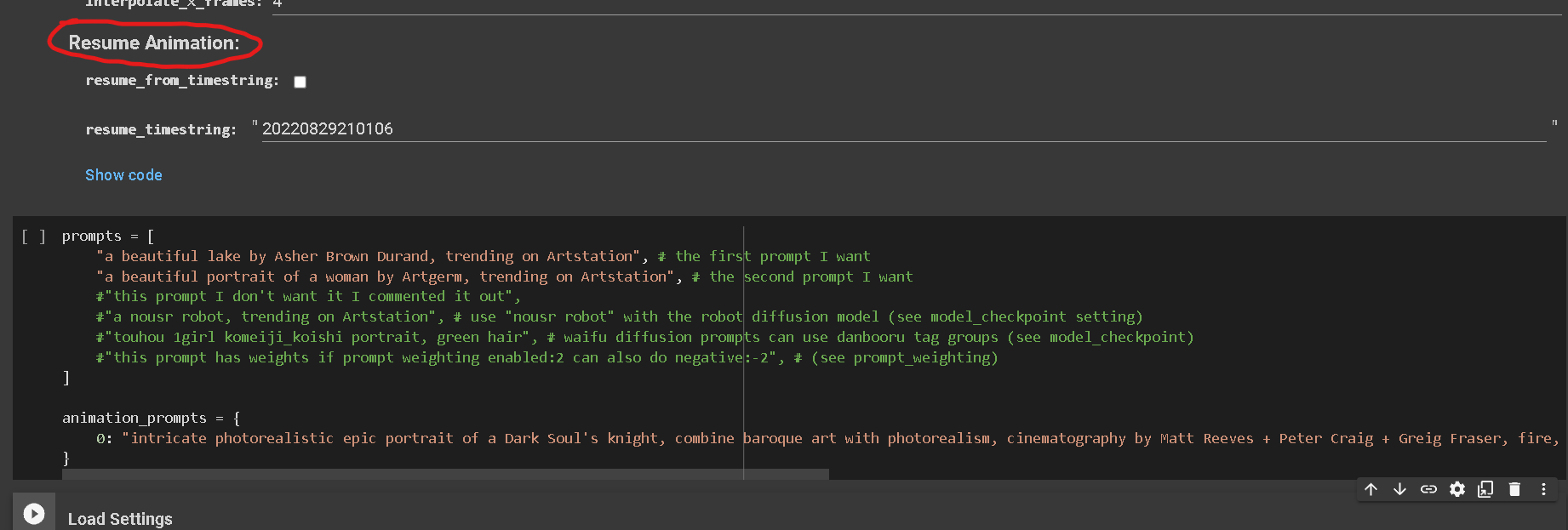
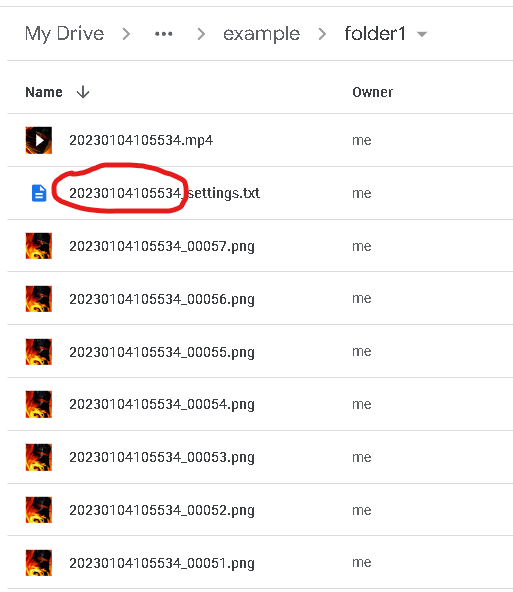
Go to folder of the animation in your google drive and copy this number.
This is the timestring of your files.
Paste it in the resume timestring setting and check the resume from timestring box.
ADD KEYFRAMES TO YOUR PROMPTS
RUN ALL THE CELLS AGAIN AND RESUME YOUR ANIMATION!
Don’t forget:
It’s wise to go easy in the beginning with all these setting.
It’s easy to get lost.
Also small mistakes like forgetting a comma will result in errors.
Deforum take a lot of time and experience.
Don’t get frustrated.
Even the more experienced AI artists can have their moments of confusion.
I know how it can feel staring at all these numbers and symbols, but with some practice and patience you will learn how to read them like The Operator in The Matrix.
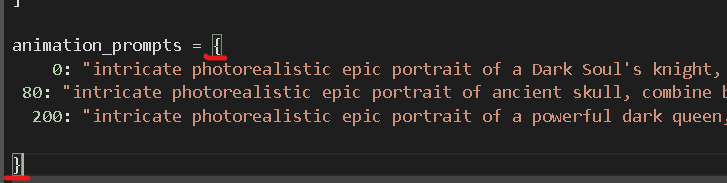
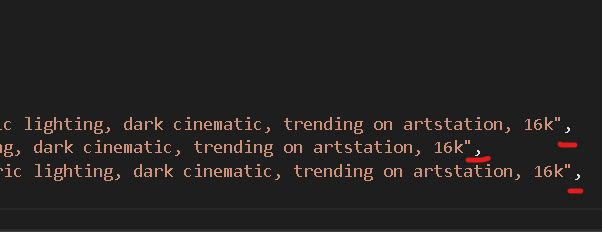
And the commas
Don’t forget brackets
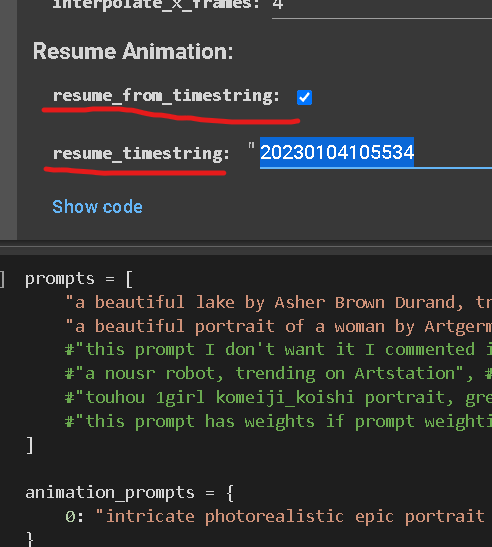
This will make your render continue from were it left off, in this case frame 60.
This is very useful when working on long animations, and it’s also useful for adding more settings.
Now let’s add more camera movement!
Go back to the Motion parameters
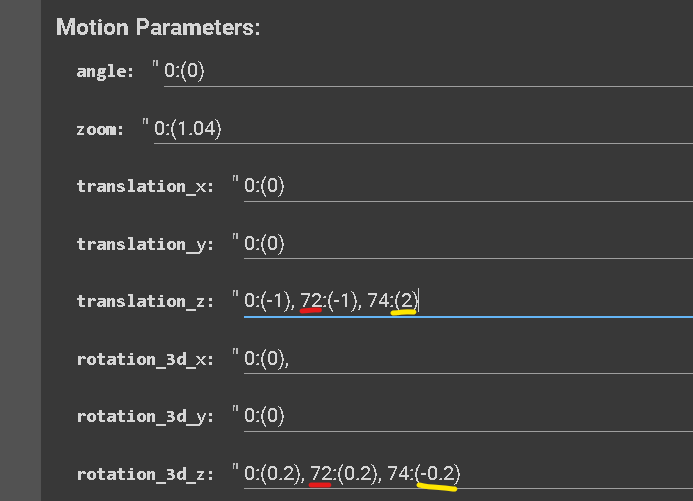
We are going to tell the camera to keep the same motion from 0 to 72 frames (your animation will resume from 60 frames) and then gradually change motion at 74 frames (if we would have set the next key frame at 96 for example, the camera would have take 24 frames to reach the value that we chose).
THE PROCESS OF ASSIGNING A SETTING’S VALUE TO A CERTAIN FRAME IS CALLED KEYFRAMING.
Values (amplitude) change gradually over time.
For example:
If you have “0:(-1), 72:(-2), 120:(-2), 122:(-1)” the value is going to change gradually from 0 to 72 frames, then stay the same untill 120 to then go back to -1 over the time of 2 frames
Make sure to put “:” after the number of frames.
Make sure to put the value between brackets “( )”.
Make sure to have a comma before setting a new keyframe.
Make sure not to put unwanted space-bars.
Pay much attention to this part!
A comma out of place or any small mistake will result in an error.
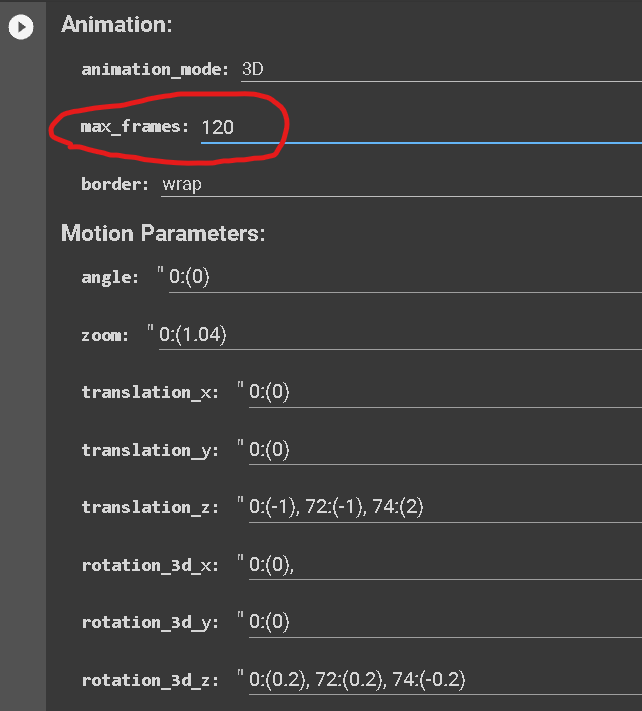
Insert your new settings
In this example:
The number marked in red is the frame your settings are going to start at.
The number in yellow is the “value” or amplitude.
Increase the max frames.
(this will make your render stop at 120 frames, 10sec)
You can get as crazy as you want with keyframing!
Everytime you set a parameter with 0:(0), it’s something that you can keyframe!
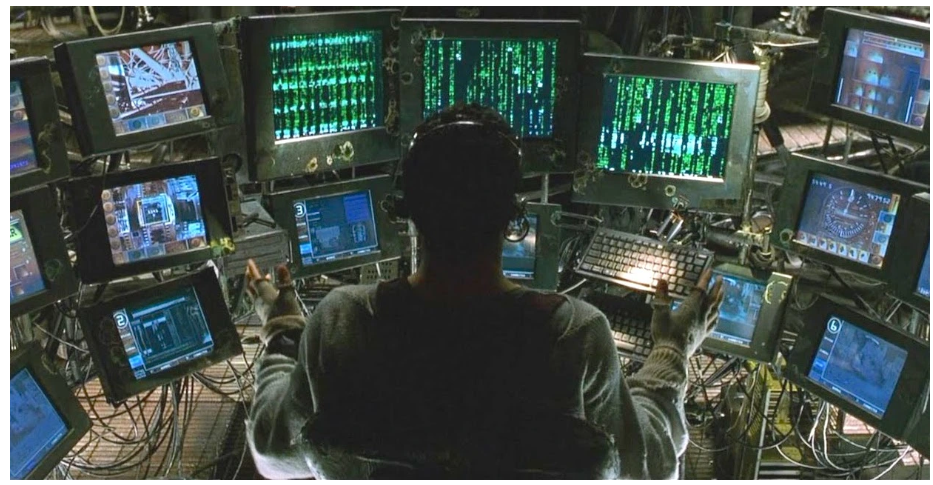
Actually you after 3 months of Deforum
HAVE FUN CREATING!
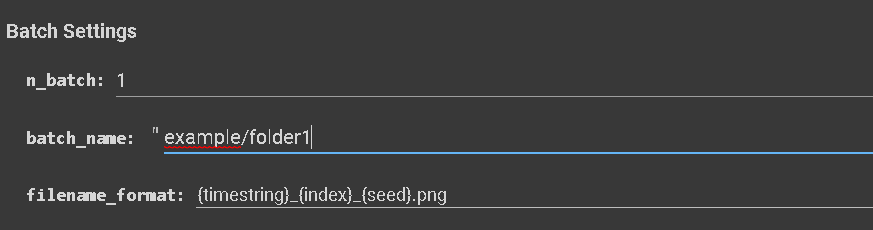
MAKE SURE THAT BATCH NAME IS SET TO THE SAME FOLDER WHEN RESUMING AN ANIMATION
Set the batch name to the folder where the frames of the animation are stored or you’ll get an error.
By following this process, you are instructing Deforum to continue an animation from the final frame in that specific folder.
updated to
— 15/01/2023 Deforum version