
Advanced Prompt
NEGATIVE PROMPTS and WEIGHT
And THIS, is the same prompt and same seed but with a negative prompt:
The right negative prompts has the power (sometimes) to make SD look like an updated version
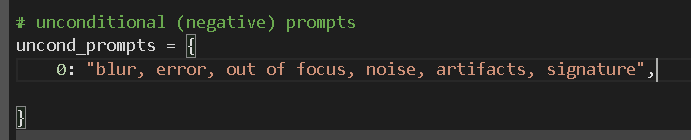
To add one in Deforum is very easy, use the second part of the prompt section
Think about anything you don’t wanna see in your animation (a color, a subject…) and write it down.
Then add word like “blur, error, out of focus, noise, artifacts, signature, …”
You can also add keyframes into the negative prompt section.
Adding the right chunks of words into the negative prompt section can significantly increase the quality of the render.
Here’s a list of useful words:
”disfigured, deformed, bad anatomy, poorly drawn, blurry, bad hands, text, error, missing fingers, cropped, low quality, normal quality, signature, watermark, username, out of focus, asymmetric, ”
Here is the result with only the prompt:
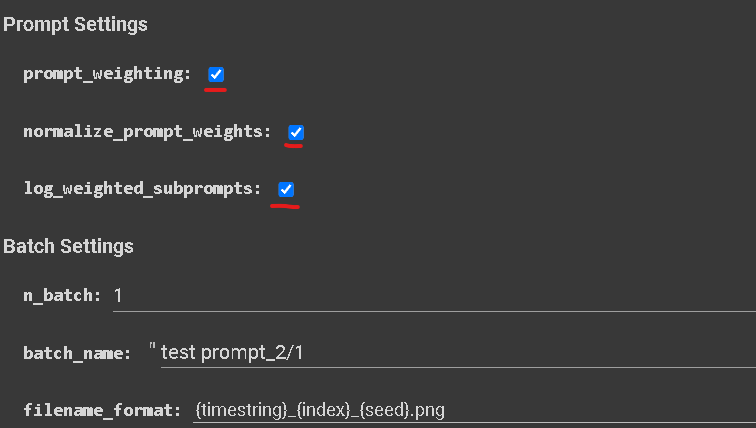
Check all theses boxes:
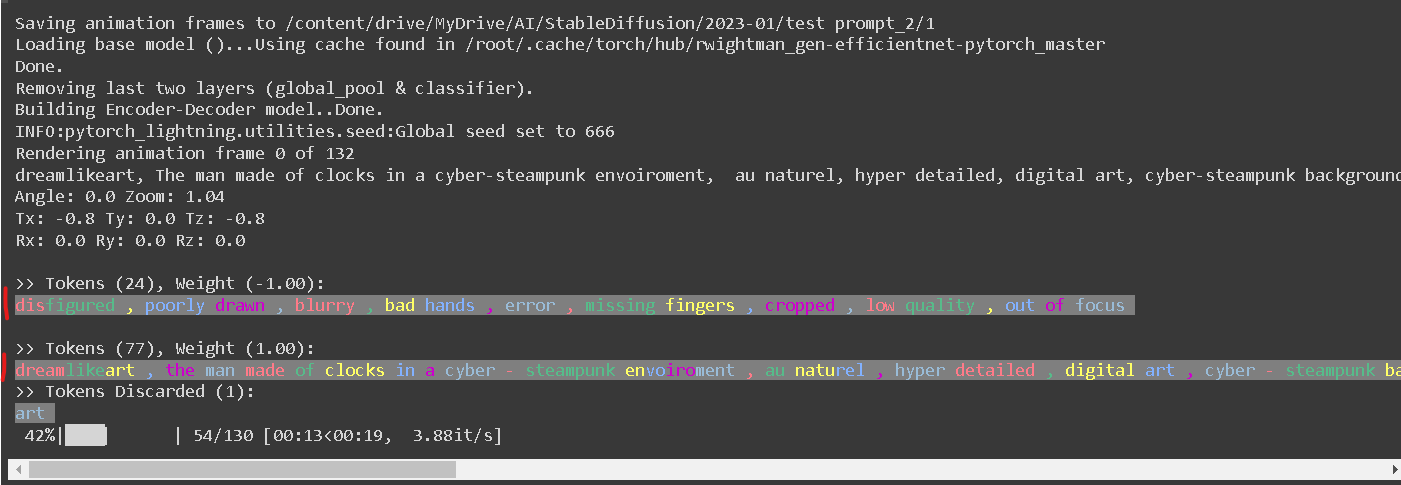
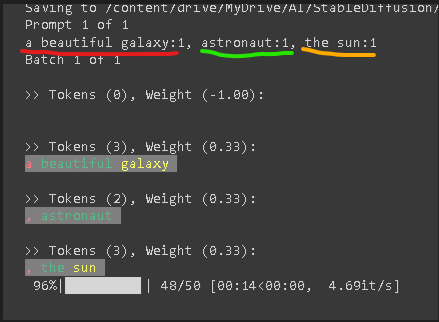
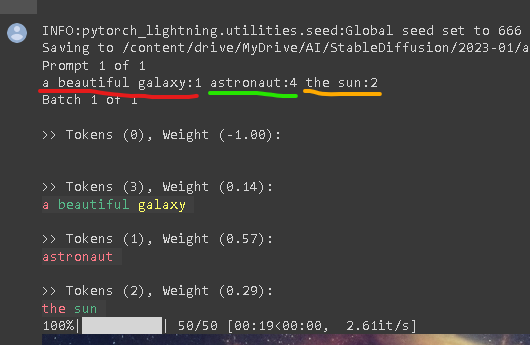
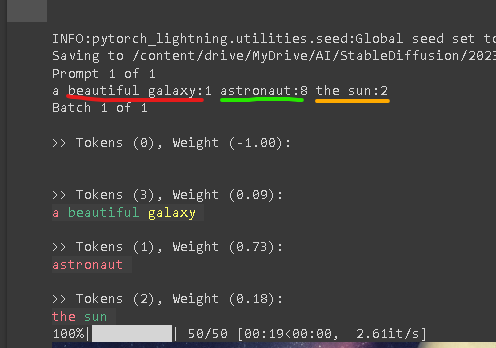
log weighted subprompts is gonna show the weight that the words are going to have the on prompt.
Tokens are the numbers of words (or part of a word) associated to a certain Weight
Everything associated with a value of -1 is going to be excluded from your prompt.
Prompt weight gives you even more control over your prompt, letting you decide wich words are going to effect the prompt the most.
For example let’s take this prompt:
”a beautiful galaxy, astronaut, the sun”
1
2
3

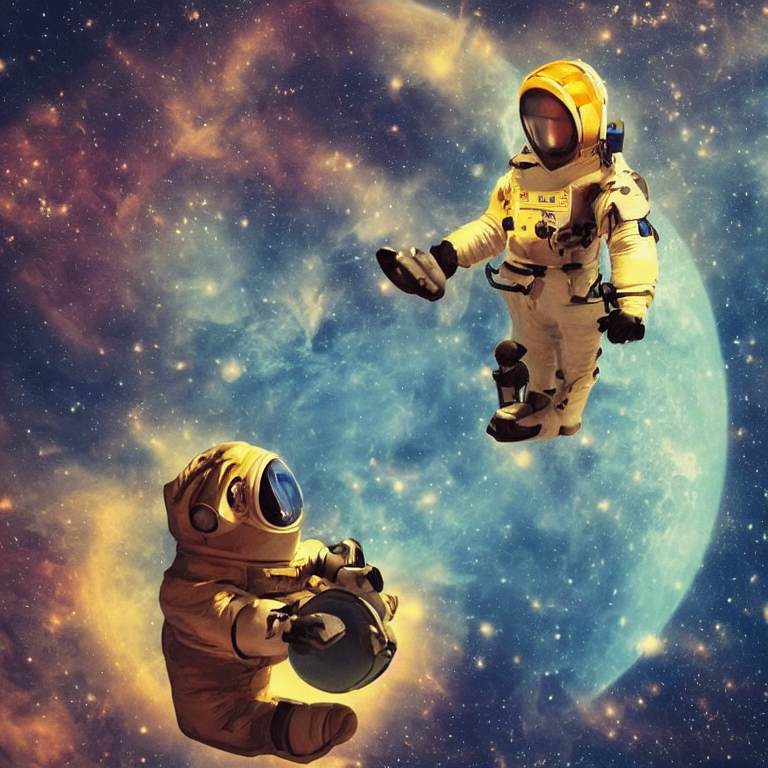

Let’s talk about this particular seed:
“a beautiful galaxy” is evidently interpretated as the most prevalent word by Sable Diffusion for this seed.
We can change that by adding more weight to other words.
In the second picture, we can see that with the shape that looks like the sun coming out, and the astronaut is much more evident.
Instead in the third image, you can see how the astronaut is taking almost the whole composition.
You assign weight to chunks of the prompt, for example:
0:”a beautiful portrait of a fantasy princess:1 pixar 3D style, modern animation, sharp details:1 octane render, cinematic light, 64k:1”
The weight numbers you enter are relative and only have meaning in relation to each other.
They work as a percentage of a whole, so when you increase one value, the others will decrease accordingly.
The number for each weight can be found in the picture next to the corresponding word
1
2
3
⚠️
⚠️
⚠️
⚠️
PROMPT WEIGHT IS CURRENLY NOT WORKING IN THE LAST VERSION OF DEFORUM!
WE ARE WAITING FOR IT TO BE FIXED TO UPDATE THIS PARAGRAH OF THE COURSE
In another cases you can have unexpected elements popping out in your render.
To handle this, you can stop the animation when you see something you don't want, delete those frames from the project folder, add the right words to your negative prompt, and then resume the animation.
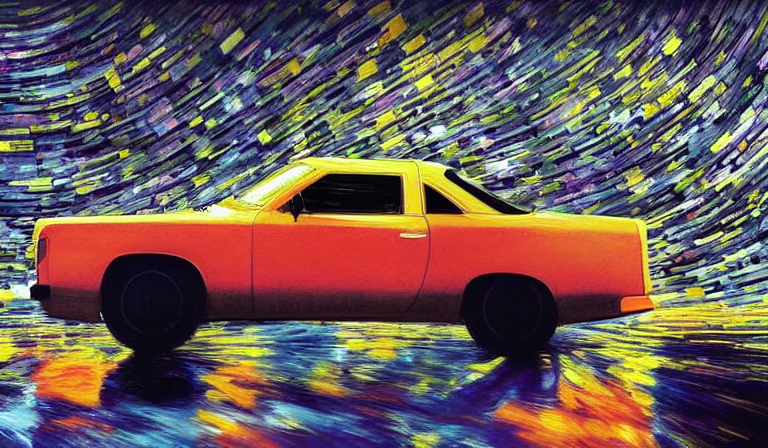
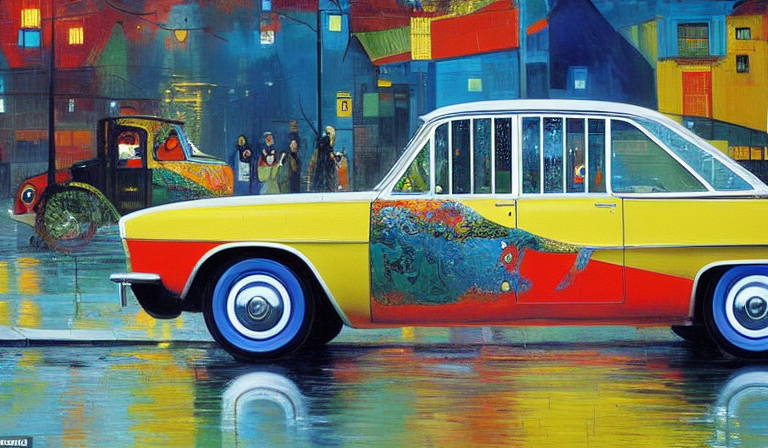
In the first example I unexpectedly got a car in my render.
So I stopped the animation and add that word to the negative prompt section and then resumed the animation
1
2
updated to
— 15/01/2023 Deforum version
Do not treat the negative prompt section like the positive, instead you should think more in a “keywords optic”
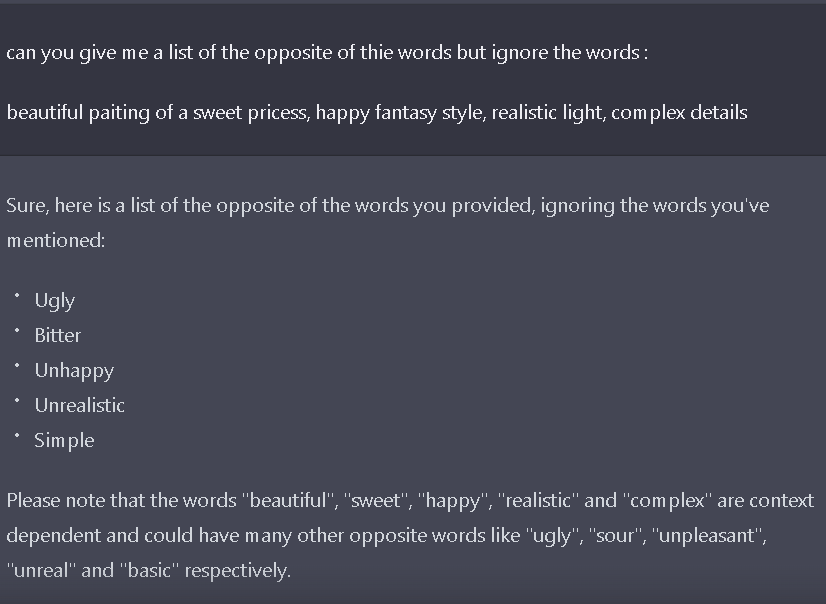
You can ask chatGPT for a list of words that could help to build your negative prompt
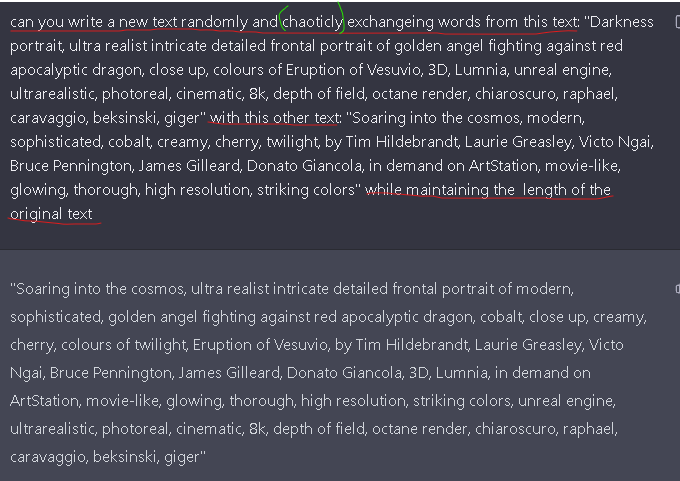
OR MIX PROMTS
FEW LAST TIPS:
I personally use negative prompts the most, as it's a real game changer.
I rarely use prompt weight, especially on long prompts, but they can be very useful in some occasions when you're trying to mix up two styles - or when you're trying to get an element over the other.
I also think that to get the best out of your prompt you should rely more on the prompt crafting itself and you should see the prompt weighting as a fine tuning.
Determining the appropriate words to use and when to use them will take some practice and experience over time