
Different methods
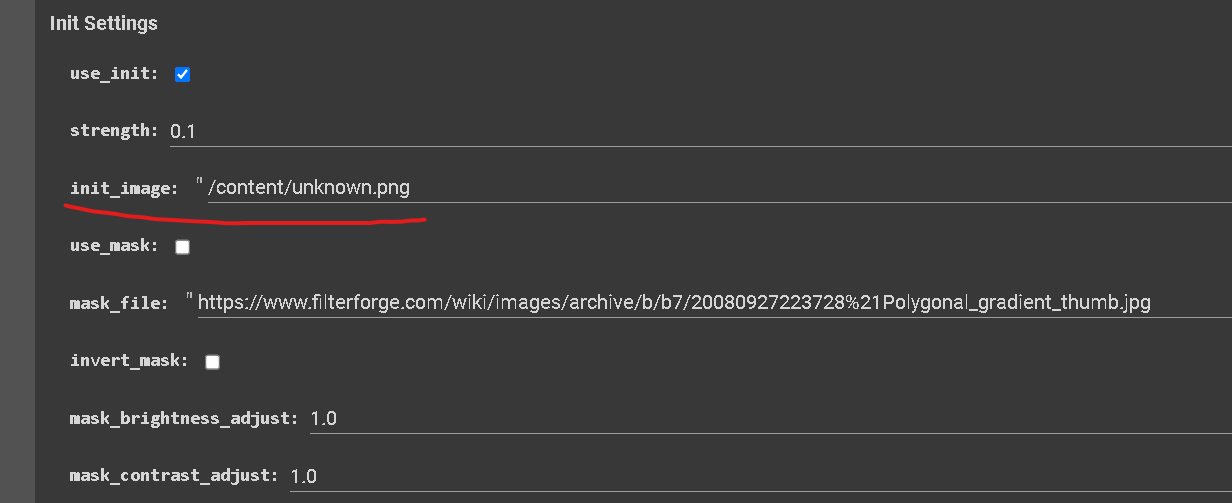
Go to the initial settings, and paste the path in init image;
To enable, check the use init box
When you uncheck the “use_init” box, you don’t need to delete the path.
VIDEO INPUT
First let’s switch the animation mode to Video input.
All the settings for Motion Parameters and Coherence, do not work in animation mode, as one cancels the other.
You should always match the Resolution settings of Deforum with the aspect ratio from the initial video you’ll use.
Also a square resolution (512x512) will work mostly fine.
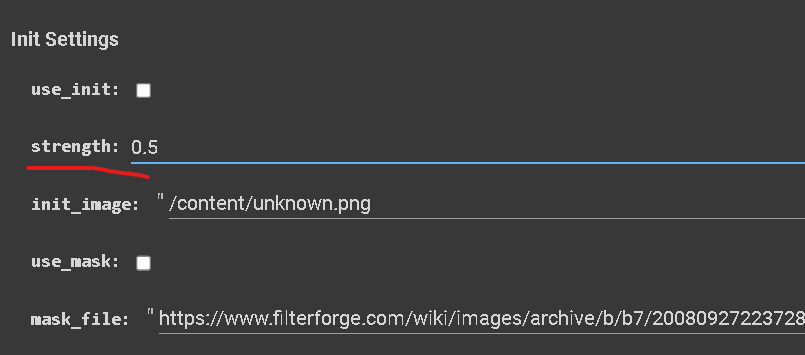
The strength parameter is going to determine how much of your initial image Deforum is going to keep during the diffusion of the very first frame.
The higher the strength, the more your init image is going to be preserved.
A small trick for initial image is to use it as a source for a color pallet that you want to have in your animation and set a low strength value (ex: 0.25 or lower)
In this way Dorum is basically just going to keep the colors of the image.
This can save you tons of time (especially when you have a commissioned job) when you have the right prompt, but you can't get the right colors.
The more obvious way to utilize it, is to start an animation with an image that you personally created -
For example when you have a perfect image to start your animation with.
Another good way to use it is to resume an animation with it.
To do so, use the last frame of a previous animation as an initial image with a 0.95 strength value
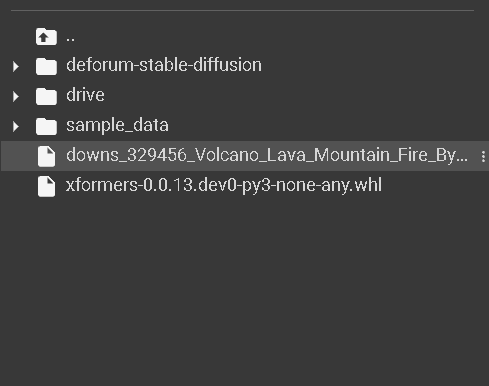
Upload your video in colab or locate it from your google drive (same as you did for the image)
There are more ways you can create your animations.
One of these, is using an initial image as a starting point of your render.
To upload your own images into Deforum, simply drag and drop them into this tab of Google Colab’s window
or locate it from your Google Drive.
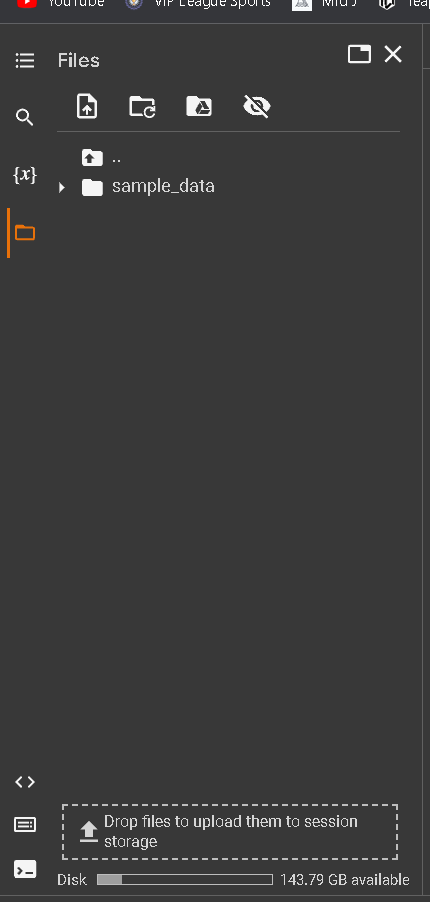
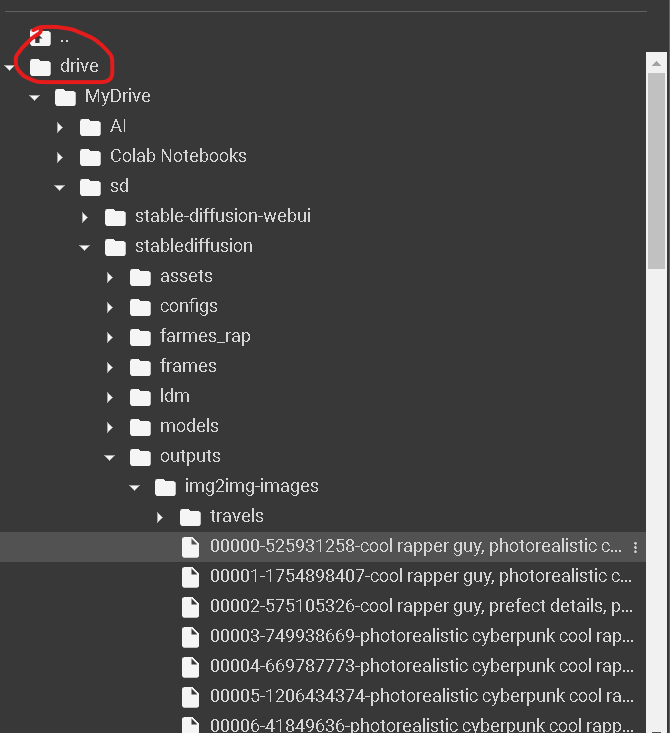
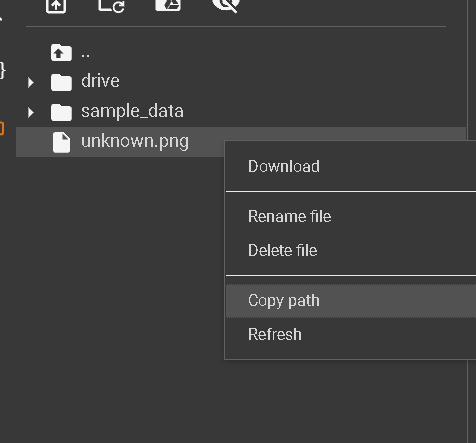
Right click and then copy path
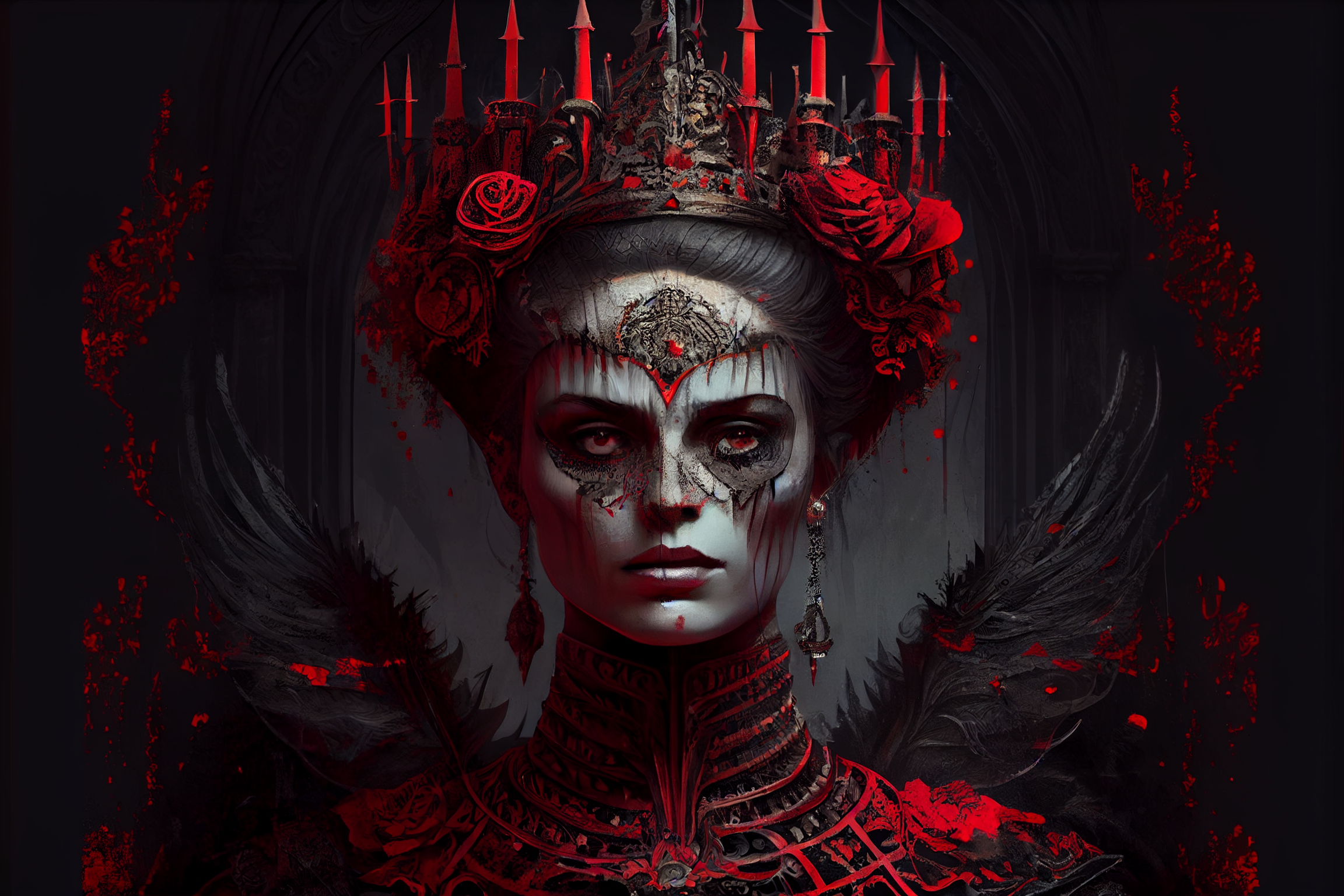
You can include a mask image to prevent certain parts of your animation from being animated.
Locate your mask file, copy the path, then paste it into mask_file: right below and check the use-mask box
MASK
IMAGE
ANIMATION
This technique alone is not perfect, as some parts of the image still gets diffused.
You can recover that in video editing phase
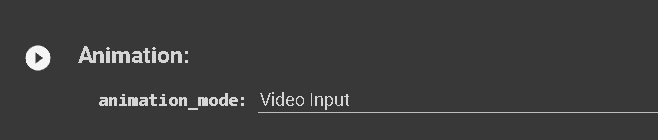
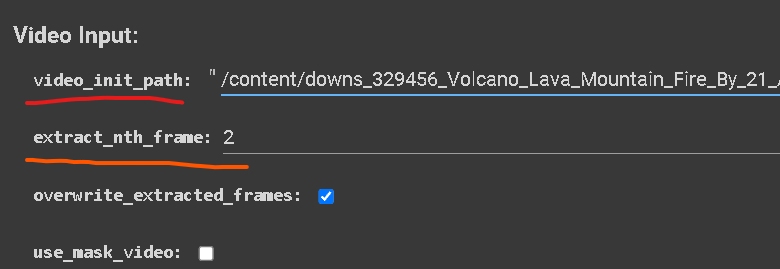
Now paste it into the video init path and then choose how many frames you want to extract from your video.
If the video you are using has a total length of 240 frames, and you set the parameter to a value of 2, it will extract 120 frames from that video
The extracted frames are going to be used as the initial image to create your animation
use the strength to decide the ammount of diffusion exacly like you did with an initial image but leave the “use_init” box unchecked
Seed behavior
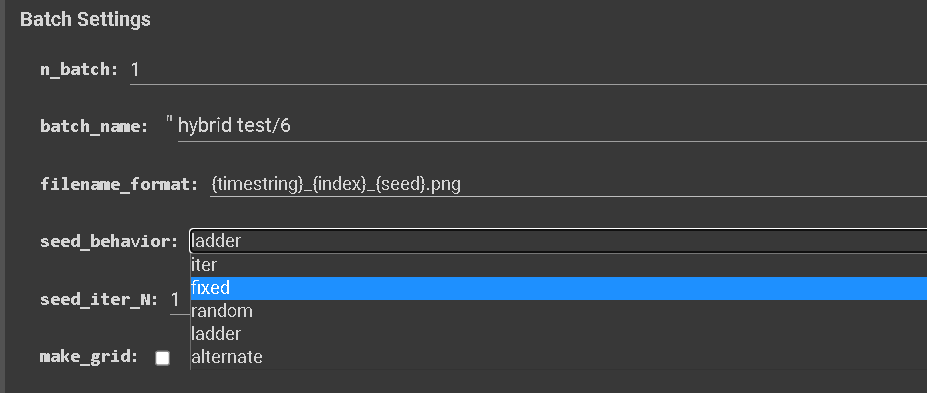
Seed behavior is going to set the way your seed “travels”.
By default it's set to “iter” and it gives you new seed every new frame during the animation render:
Example: If set seed to 1, iter travels like this 1, 2, 3, 4, 5, 6, 7, 8, 9…
When using video input mode you might wanna set it on “fixed” because it's going to keep the same seed and give you more coherence
Be careful not to use fixed seed in 3d mode or is gonna just render a bunch of nonsense
”Random” is… Well… Random.
"ladder": Increments + 2 then decrements -1 for a pattern like 0, 2, 1, 3, 2, 4, 3, 5…
"alternate": Increments + 1 then decrements -1 for a pattern like 0, 1, 0, 1, 0, 1, 0, 1…
THIS LAST 3 OPTIONS WORK VERY WELL IN 3D MODE, but they can get a bit “exotic”
---
---
---
---
updated at
— 15/01/2023 Deforum version
---
---
The magic of Deforum is in these modes.
I never use 2D mode and interpolate mode because i they just don’t look so interesting and have a LOT of limits.
I personally think that Video input mode is working the best when you “use the initial video as a brush to paint”.
I rarely have the strength set to a high value when i use it for my work.
Only in very specific cases i use it as “the video that I want my animation to look like”
ANIMATION
INITIAL VIDEO
You can also use a video mask by doing the same process
Copy the path of your mask video into the right line and check the box
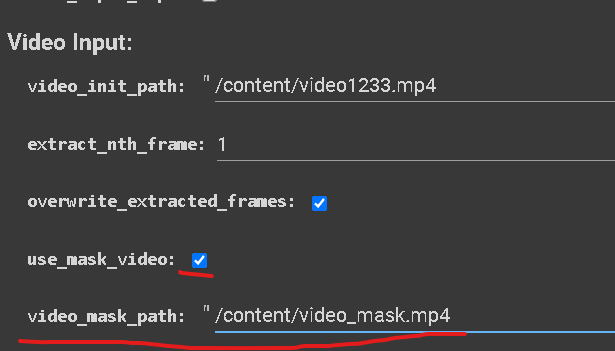
You can also use a video mask by doing the same process you did with the image.
Copy the path of your mask video into the right line and check the box
Make sure that the number of frames (length) of the MASK matches the number of frames of the video or is longer,
If the mask runs out of frames before the video is done, it will stop rendering.
Keep this in mind when you set the number of frames you extract.
This is one of my favorite tricks to use a steady image or something like that to mask a video because it lower the chance to get errors in your render. And it looks cool!
"At this stage, there is no longer a distinction between right or wrong (if there ever was in Deforum). These are all simply tools, so feel free to unleash your creativity with them!"